

Mobile-first game design in action
What Makes Mobile Game Development Different?

Content
Mobile games account for more than half of the global gaming market revenue, yet most projects fail within their first year. The difference between success and obscurity often comes down to understanding the unique constraints and opportunities of handheld platforms. Building for mobile requires a fundamentally different approach than console or PC development—one that prioritizes accessibility, quick engagement, and technical efficiency over raw graphical power.
What Makes Mobile Game Development Different from Other Platforms
Hardware limitations define every decision you make when building for mobile. While a gaming PC might have 32GB of RAM and dedicated cooling systems, most smartphones operate with 4-8GB of shared memory and throttle performance when temperatures rise. Your game competes for resources with background apps, system processes, and the operating system itself.
Touch controls eliminate the precision of mouse-and-keyboard or gamepad inputs. Players can't hover over elements, right-click for context menus, or execute complex button combinations reliably. Every interaction must work through direct screen taps, swipes, and holds—gestures that obscure part of the display with fingers. This constraint shapes everything from UI button sizes (minimum 44x44 pixels for comfortable tapping) to camera controls and combat systems.
Session length expectations shift dramatically on mobile. Console games can assume players will invest 30-60 minute sessions, but mobile users often play in fragmented bursts: waiting for coffee, riding the bus, or filling time between meetings. Successful mobile games accommodate both two-minute sessions and extended play without penalizing either behavior. Your core loop needs to deliver satisfaction quickly while supporting longer engagement for dedicated players.
Monetization models flip traditional revenue structures. Premium pricing ($40-70 for console titles) rarely works on mobile, where free-to-play dominates. Players expect to download and try games at no cost, which means you need alternative revenue streams: in-app purchases, rewarded video ads, battle passes, or subscription models. This isn't just a business decision—it fundamentally affects game design, progression pacing, and content structure.
Battery drain becomes a user experience issue. A game that depletes battery in 90 minutes will get uninstalled regardless of how fun it is. Players associate your game with the frustration of a dead phone, not the enjoyment of gameplay. You need to balance visual fidelity, frame rates, and network activity against power consumption constantly.
Core Mobile Design Principles Every Developer Should Follow
Screen Size and Touch Interface Considerations
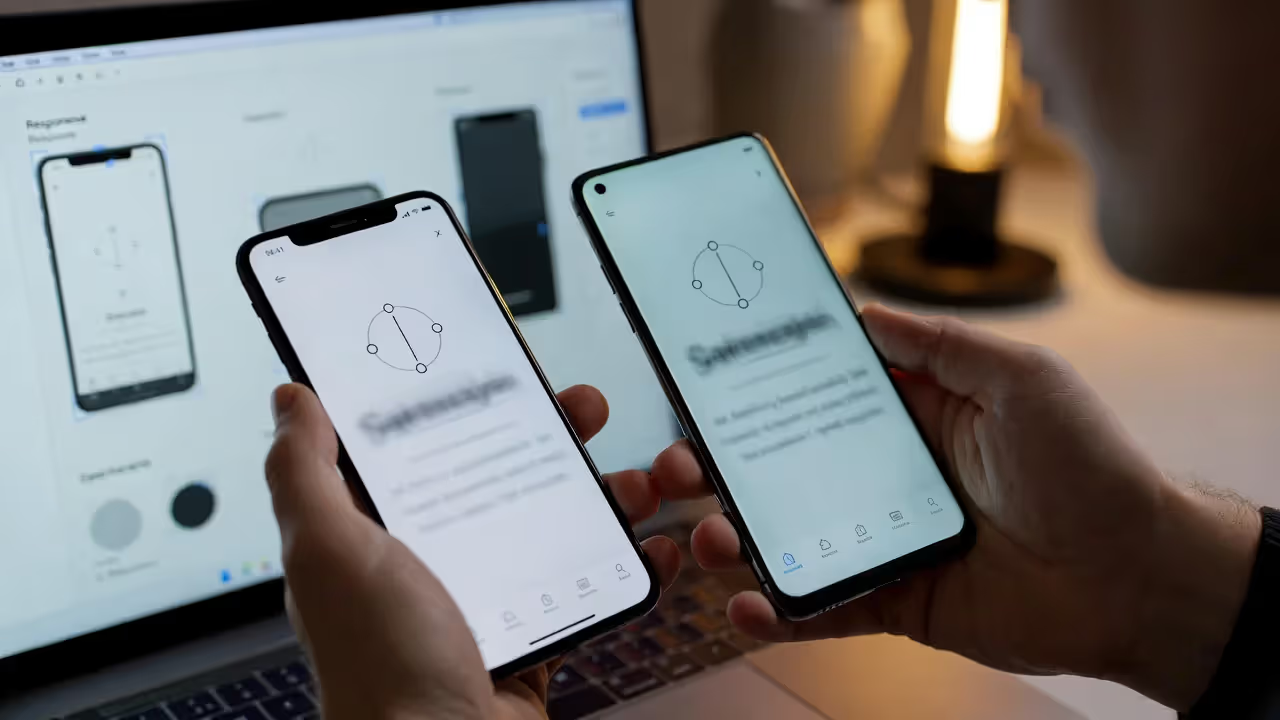
Mobile displays range from 4.7-inch phones to 12.9-inch tablets, with varying aspect ratios (16:9, 19.5:9, 20:9) and resolutions. Your UI must scale responsively without breaking layouts or making elements unreachable. Safe zones become critical—the notch on iPhone X and newer models, the camera cutouts on Android devices, and the curved edges on Samsung phones all create dead zones where you can't place interactive elements.
Design for one-handed play whenever possible. Most users hold phones in one hand while commuting or multitasking. Critical controls should fall within the natural thumb reach zone: the bottom third of the screen for right-handed players. Games requiring two hands limit when and where players can engage with your content.
Visual hierarchy matters more on small screens. Players can't scan complex interfaces quickly, so prioritize ruthlessly. The most important information—health, score, current objective—needs to be immediately readable without squinting. Secondary stats and options can hide in menus. Test your UI by viewing it at arm's length; if you can't instantly understand the game state, simplify.
Gesture controls need clear visual feedback. Unlike physical buttons, touch interactions lack tactile confirmation. When players tap, swipe, or hold, provide immediate visual and audio responses: button press animations, particle effects, haptic feedback. The delay between input and response should never exceed 100 milliseconds, or the game feels sluggish.
Author: Brandon Hayes;
Source: quantumcatanimation.com
Battery Life and Performance Optimization
Frame rate targets differ from other platforms. While 60fps provides smooth gameplay, many successful mobile games target 30fps to conserve battery and maintain consistent performance across device tiers. The key is consistency—a stable 30fps feels better than fluctuating between 40-60fps. Reserve higher frame rates for competitive games where input latency matters (fighting games, shooters).
Reduce draw calls aggressively. Mobile GPUs handle fewer draw calls per frame than desktop hardware. Batch similar objects together, use texture atlases to combine multiple sprites into single textures, and implement object pooling to avoid instantiation overhead. A well-optimized mobile game might target 50-100 draw calls per frame, while a PC game could handle thousands.
The biggest mistake developers make is treating mobile like a smaller PC. You need to design around the constraints from day one, not optimize later. By the time you're trying to fix performance issues, you've already made architectural decisions that limit what's possible.
— Sarah Chen, Lead Designer, Monument Valley
Screen resolution impacts performance exponentially. Rendering at native resolution on a 1440p or 4K phone display burns battery and processing power for minimal visual improvement on a 6-inch screen. Many successful games render at 720p or 1080p and upscale to native resolution, saving 40-60% of GPU cycles with imperceptible quality loss.
The Casual Game Development Process: From Concept to Launch
Prototyping and Core Loop Testing
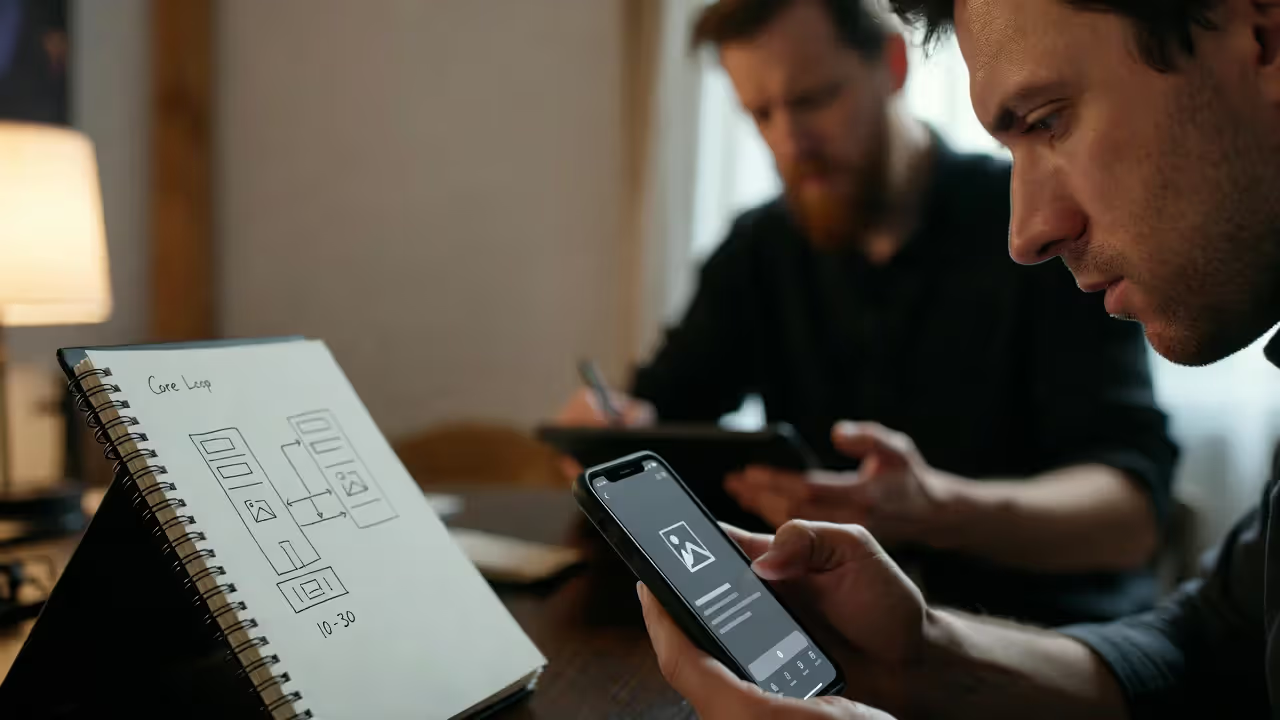
Start with a paper prototype or digital mockup before writing any code. Sketch out your core loop—the 10-30 second sequence of actions players repeat throughout the game. For a match-3 puzzle game, that's selecting pieces, making matches, watching results, and seeing the board refill. For an idle game, it's collecting resources, spending them on upgrades, and watching production increase. This loop must be inherently satisfying, because players will execute it thousands of times.
Author: Brandon Hayes;
Source: quantumcatanimation.com
Build a playable prototype in one to two weeks maximum. Use placeholder art, simple shapes, and basic interactions. The goal is testing whether your core mechanic feels good, not creating polished visuals. Tools like Unity with simple sprites or even browser-based prototypes work well. Get the prototype into players' hands immediately—friends, family, online communities—and watch them play without instruction.
Iterate based on confusion points, not feature requests. When players don't understand how to progress, that's a design problem. When they suggest adding multiplayer or new characters, that's often a distraction from core loop issues. Fix the fundamentals first: Is the core interaction satisfying? Do players understand the goal? Can they make meaningful progress in five minutes?
Casual games typically need 3-6 months from prototype to launch for small teams. This breaks down roughly to: one month prototyping and core loop refinement, two months building content and progression systems, one month polishing UI and adding juice (particle effects, screen shake, satisfying audio), one month testing and optimization. Larger teams can parallelize work, but rushing the prototype phase creates problems that multiply throughout development.
Author: Brandon Hayes;
Source: quantumcatanimation.com
Art Style Selection for Mobile Audiences
Choose art styles that remain readable on small screens. Highly detailed realistic graphics lose clarity at mobile resolutions—players can't distinguish important elements from background noise. Successful mobile games often use bold, simplified art: clear silhouettes, high contrast between foreground and background, limited color palettes that make different element types instantly recognizable.
Consider your target device tier. If you're aiming for broad market reach, your art needs to run smoothly on three-year-old mid-range phones. That means limiting polygon counts, texture sizes, and shader complexity. Stylized 2D art or low-poly 3D often performs better and ages more gracefully than realistic graphics that look dated within months.
File size affects discoverability. Games over 100MB require WiFi downloads on iOS, which dramatically reduces conversion rates from app store browsing. Android's app bundle system helps, but large initial downloads still deter players. Optimize texture compression, use procedural generation where appropriate, and consider downloading additional content after initial gameplay hooks players.

Author: Brandon Hayes;
Source: quantumcatanimation.com
Mobile Optimization Techniques That Actually Impact Performance
Memory management makes or breaks mobile games. Unlike PC or console, mobile operating systems aggressively kill apps that consume too much RAM. iOS terminates apps using over 1.5-2GB on most devices; Android thresholds vary by manufacturer but hover around 2-3GB. Monitor memory usage constantly during development using Xcode Instruments or Android Profiler.
Texture memory typically consumes the largest chunk of your budget. A single uncompressed 2048x2048 texture uses 16MB of RAM. Use compressed formats: PVRTC or ASTC on iOS, ETC2 or ASTC on Android. These reduce memory footprint by 75-90% with minimal visual quality loss. Implement texture streaming for games with large asset libraries—load textures as needed and unload them when players move to different areas.
Asset compression extends beyond textures. Audio files should use compressed formats like Ogg Vorbis or AAC rather than uncompressed WAV files. A 30-second music track in WAV format might be 5MB; compressed to Ogg at reasonable quality, it drops to 500KB. Multiply that across dozens of sound effects and music tracks, and you save hundreds of megabytes.
Loading times directly impact retention. Players abandon games that take more than 10-15 seconds to launch. Implement progressive loading: get players into gameplay as fast as possible, then load additional assets in the background. Show the main menu within three seconds, let players start the first level within five seconds, even if some visual elements or later levels still load asynchronously.
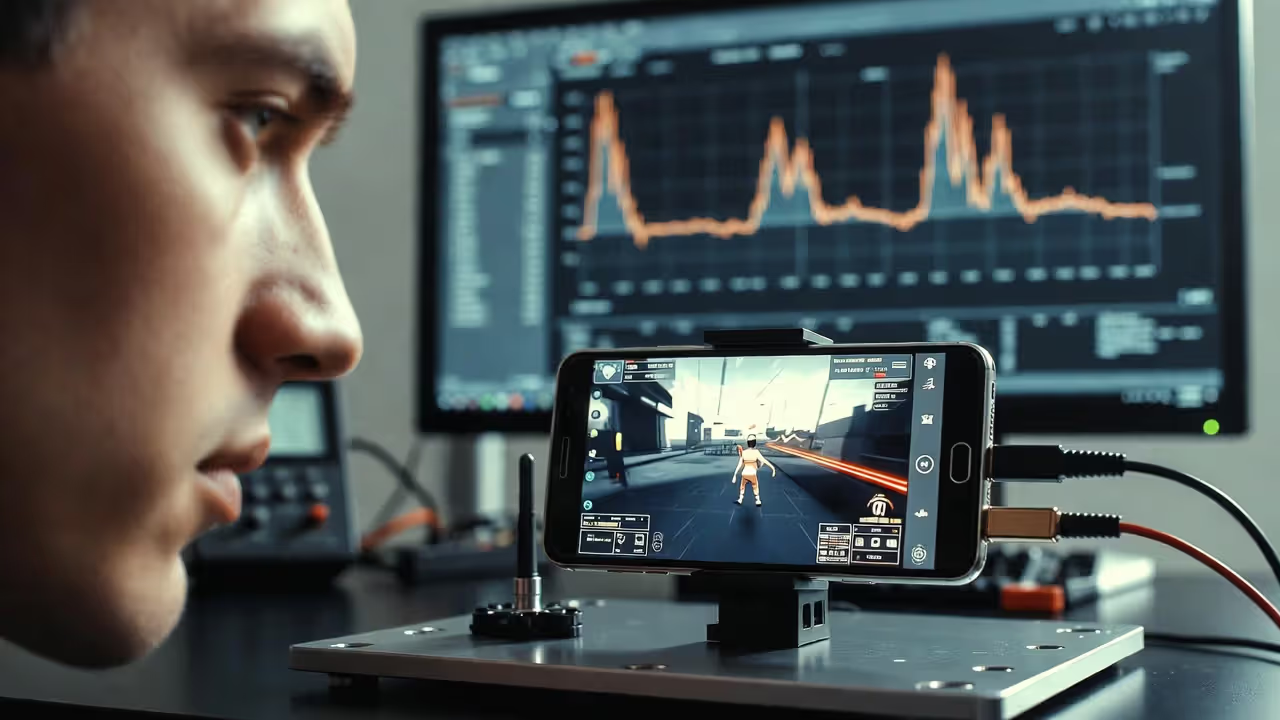
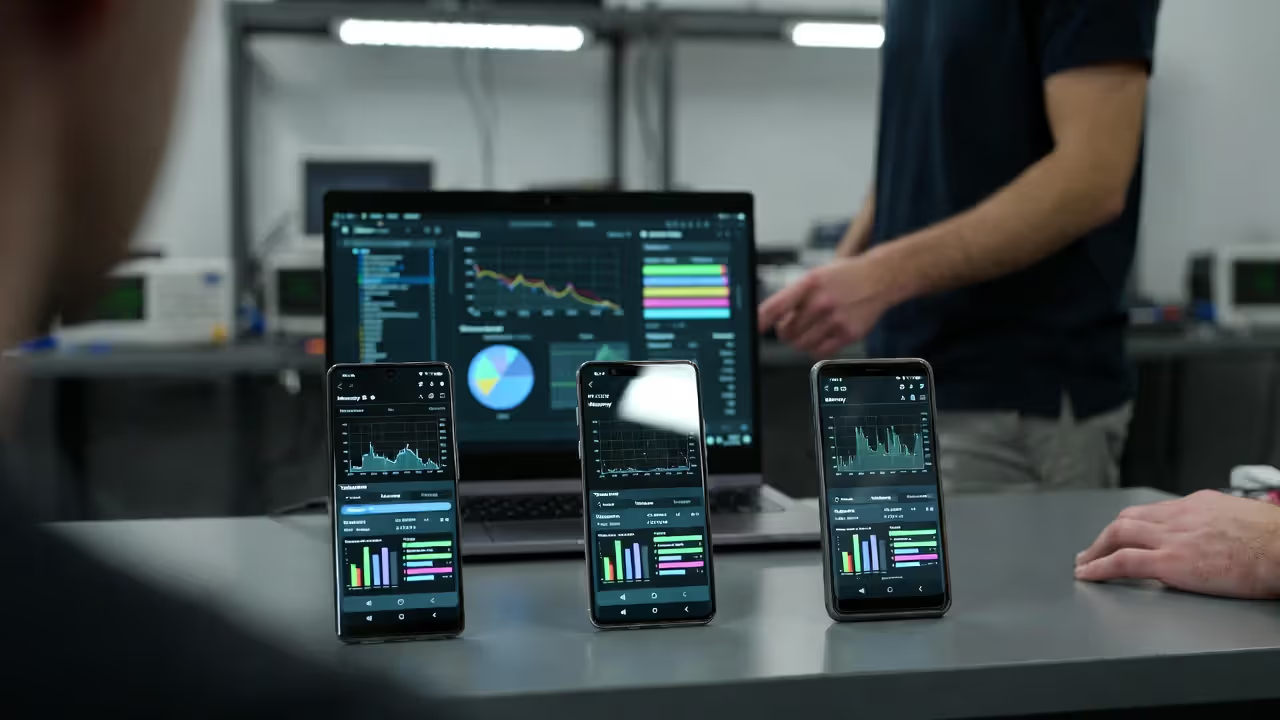
Frame rate profiling should happen on target devices, not your development machine. A game running at 60fps on your laptop might struggle to maintain 30fps on a mid-range phone. Test on at least three device tiers: a flagship phone (iPhone 14 Pro, Samsung S23), a mid-range device (iPhone SE, Samsung A series), and a budget phone that's 2-3 years old. Performance issues that appear only on lower-end devices often affect 40-60% of your potential audience.
Reduce physics calculations wherever possible. Full physics simulations consume significant CPU cycles. Many successful mobile games fake physics for non-critical elements: pre-calculated trajectories, simple collision detection, or purely visual effects without actual physics interactions. Reserve real-time physics for gameplay-critical elements where players notice the difference.
Author: Brandon Hayes;
Source: quantumcatanimation.com
Common Mistakes That Kill Mobile Game Performance
Instantiating objects during gameplay creates frame rate spikes. Every time you create a new object—bullets, enemies, particle effects—the engine allocates memory and initializes components. This takes time, causing visible stutters. Implement object pooling instead: pre-create a pool of objects at load time, activate them when needed, and return them to the pool when done. A well-implemented pool eliminates instantiation hitches entirely.
Unoptimized UI updates tank performance surprisingly often. If your UI updates every frame—health bars, score counters, resource displays—you're triggering layout recalculations and redraw operations constantly. Update UI only when values actually change. Use event-driven updates rather than polling: when health decreases, trigger a UI update, don't check health every frame.
Excessive network calls drain battery and create lag. Games that constantly ping servers for data validation, leaderboard updates, or analytics events waste bandwidth and power. Batch network operations: collect analytics events and send them in groups, cache data locally and sync periodically rather than continuously, implement exponential backoff for failed requests instead of hammering servers.
Ignoring aspect ratio variations leads to broken layouts. Designing exclusively for one device (usually the developer's phone) creates UI that breaks on other aspect ratios. Elements get cut off by notches, buttons become unreachable, or critical information extends beyond safe zones. Test on multiple aspect ratios early and often, or use anchor-based UI systems that adapt to different screen shapes.
Over-aggressive monetization kills retention faster than poor gameplay. Forcing interstitial ads after every level, paywalling basic features, or creating impossible progression without purchases frustrates players. The best monetization feels optional: rewarded video ads that players choose to watch for bonuses, cosmetic purchases that don't affect gameplay, or fair energy systems that allow meaningful free play sessions.
Tools and Engines: Choosing Your Mobile Development Stack
| Feature | Unity | Unreal Engine | Native Development |
| Learning Curve | Moderate; C# and extensive documentation | Steep; C++ and Blueprint visual scripting | Steep; Swift/Kotlin and platform-specific knowledge |
| 2D/3D Capability | Excellent for both; strong 2D toolset | Primarily 3D; limited 2D features | Excellent for 2D; capable 3D with Metal/Vulkan |
| Platform Support | iOS, Android, 25+ platforms | iOS, Android, console, PC | iOS or Android only per codebase |
| Licensing Cost | Free under $100k revenue; then revenue share | Free with 5% royalty over $1M revenue | Free (Apple/Google developer fees only) |
| Best Use Case | Versatile; ideal for indie developers and cross-platform games | High-end 3D games with advanced graphics | Platform-specific apps needing deep OS integration |
| Community Support | Massive; extensive Asset Store and tutorials | Large but smaller than Unity; marketplace available | Platform-specific communities; official documentation |
Unity dominates mobile game development for good reason: it balances power with accessibility. The Asset Store provides pre-built solutions for common problems (UI systems, ad integration, analytics), and the community has answered nearly every question you'll encounter. Performance is solid after optimization, and cross-platform deployment works reliably. Most indie developers and small studios choose Unity for mobile projects.
Unreal Engine makes sense for graphically intensive 3D games where visual fidelity justifies the larger download size and higher hardware requirements. If you're building a mobile action game that competes with console titles, Unreal's rendering capabilities and Blueprint visual scripting can accelerate development. However, the learning curve is steeper, and optimization requires more expertise to achieve acceptable performance on mid-range devices.
Native development offers maximum performance and platform integration but doubles your workload for cross-platform releases. Building separate iOS and Android versions means maintaining two codebases, implementing features twice, and fixing bugs in both implementations. Choose native development only when you need capabilities unavailable in cross-platform engines (specific AR features, deep OS integration, minimal app size) or when targeting a single platform exclusively.
Consider middleware and plugins early. Most games need analytics (Unity Analytics, GameAnalytics), ad mediation (ironSource, AppLovin MAX), in-app purchases (Unity IAP, RevenueCat), and crash reporting (Crashlytics). Research compatibility with your chosen engine before committing to a tech stack. Switching analytics providers or ad networks mid-project wastes weeks of integration work.
Frequently Asked Questions About Mobile Game Development
Building successful mobile games requires balancing creative vision with technical constraints. The platform's limitations—hardware variability, touch controls, battery life, small screens—force you to make difficult trade-offs, but these constraints also create opportunities. Games that embrace mobile-specific design principles rather than fighting them find audiences that console and PC games can't reach.
Start small with a focused core loop, test relentlessly on real devices, and optimize early rather than treating performance as a late-stage polish task. The mobile market rewards games that respect players' time, deliver satisfaction quickly, and run smoothly on mid-range hardware. Master these fundamentals before chasing trends or adding complexity.
The tools and knowledge exist for anyone to build mobile games—the barrier isn't technical capability but rather understanding what makes mobile gaming unique. Study successful games in your target genre, identify what makes their core loops satisfying, and build something that works within mobile's constraints rather than despite them.