
Gaming Keyboard Guide: How to Choose the Right Mechanical Switches and Features
How to Choose a Gaming Keyboard?

Content
Picking the wrong gaming keyboard can cost you more than money—it can mean months of hand fatigue, slower reaction times, and the nagging feeling that your gear is holding you back. The keyboard market is flooded with marketing buzzwords and RGB-lit promises, but underneath the flash, a few core technical differences separate genuinely high-performance boards from overpriced mediocrity.
This guide breaks down exactly what you need to know before spending a dime, from switch mechanics to form factor trade-offs, so you can match hardware to your actual gaming habits instead of falling for brand hype.
What Actually Makes a Gaming Keyboard Different
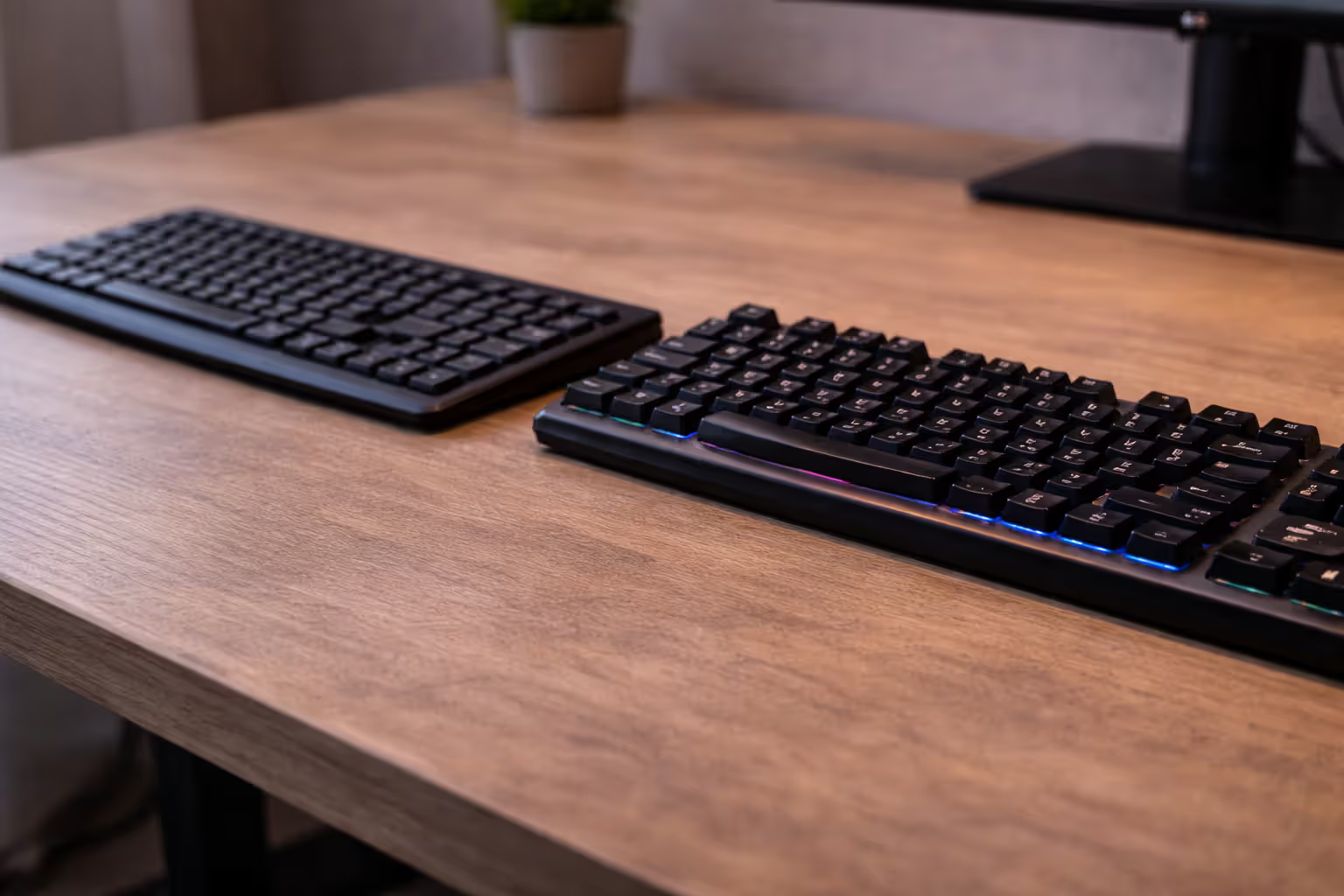
Standard office keyboards prioritize cost savings and quiet operation. Gaming keyboards engineer for speed, precision, and durability under sustained heavy use. The gap between them shows up in four core areas.
Polling rate measures how often your keyboard reports keypresses to your computer, expressed in hertz. Office boards typically poll at 125Hz (once every 8 milliseconds). Gaming keyboards run at 1000Hz (once per millisecond), cutting input delay by 7ms. That margin matters in competitive shooters where enemy encounters resolve in under 200ms.
Anti-ghosting prevents missed inputs when you press multiple keys simultaneously. Cheap keyboards use a simple matrix that can't distinguish certain key combinations—press W+D+Shift+Space in a budget board and one of those inputs might vanish. Gaming keyboards use diode-based matrices or individual key scanning to register every press.
N-key rollover (NKRO) extends this further, guaranteeing the board recognizes every key pressed at once, no matter how many. Most gaming scenarios need 6-key rollover at minimum (WASD + two abilities), but NKRO eliminates the variable entirely. USB protocol technically limits NKRO, which is why some boards switch to a different reporting mode or use PS/2 adapters for true unlimited rollover.
Author: Brandon Hayes;
Source: quantumcatanimation.com
Build quality separates disposable peripherals from gear that survives three years of daily ranked matches. Gaming keyboards use thicker PCBs, reinforced USB cables, and metal backplates that prevent flex during intense sessions. Keycap material matters too—double-shot PBT resists shine and legend wear far better than pad-printed ABS plastic.
The physical difference you'll notice immediately is key travel and response. Membrane boards require full key depression (3-4mm) and mushy, inconsistent feedback. Mechanical switches actuate partway through the press (1.2-2.0mm) with repeatable, precise feedback that lets you develop muscle memory for the exact pressure needed.
Mechanical Keyboards Gaming: Why Switch Type Matters More Than RGB
Switch choice affects your performance more than any other keyboard spec, yet most first-time buyers obsess over lighting zones and software features instead. Understanding switch mechanics helps you match hardware to your hands and game genres.
Perfection is achieved, not when there is nothing more to add, but when there is nothing left to take away.
— Antoine de Saint-Exupéry
Mechanical switches fall into three behavior categories, each built for different use cases.
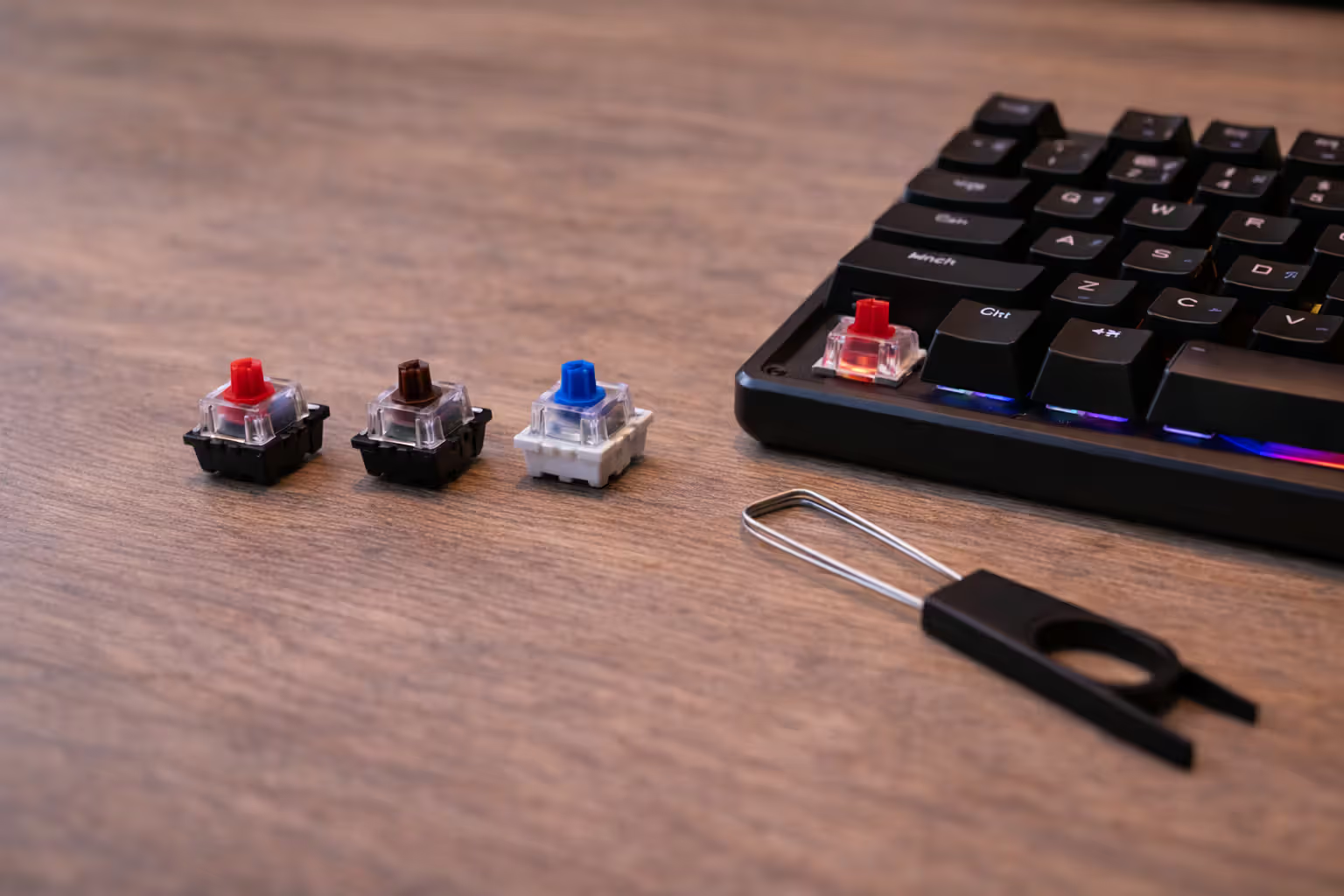
Linear vs. Tactile vs. Clicky Switches for Gaming
Linear switches move straight down with no tactile bump or click sound. Pressure stays constant from initial press to bottoming out. Gamers favor linears for rapid repeated inputs—strafing in shooters, ability rotations in MOBAs, anything requiring fast double-taps. The smooth travel means less finger fatigue during long sessions, and the lack of tactile resistance lets you hover at actuation point for faster response.
Cherry MX Red and Speed Silver dominate the linear gaming market. Speed Silver cuts travel distance to 1.2mm (versus 2.0mm for Reds), shaving off a few milliseconds at the cost of more accidental presses during normal typing.
Tactile switches provide a noticeable bump at actuation point without audible clicking. You feel exactly when the keypress registers, which helps with typing accuracy and reduces bottoming-out force. Tactile switches work well for games requiring precise timing over rapid-fire inputs—turn-based strategy, MMO hotbar management, or any scenario where you need to confirm each press without looking at the screen.
Cherry MX Brown is the most common tactile gaming switch, though enthusiasts often criticize the bump as too subtle. Alternatives like Glorious Pandas or Boba U4Ts offer more pronounced feedback.
Clicky switches add an audible click to the tactile bump, creating the loudest and most distinctive mechanical keyboard experience. Unless you live alone or your teammates tolerate constant clicking through voice chat, clicky switches aren't practical for gaming. The click mechanism also adds slight resistance that slows down rapid repeated presses compared to linears.
Cherry MX Blue defined the clicky category, but Kailh Box White and Jade switches provide sharper, more satisfying clicks if you're set on this style.
Author: Brandon Hayes;
Source: quantumcatanimation.com
Actuation Force and Travel Distance Explained
Actuation force, measured in grams or centinewtons, determines how hard you press before the switch registers input. Light switches (35-45g) enable faster repeated presses but increase accidental activation. Heavy switches (60-80g) reduce misclicks but cause more finger fatigue during extended play.
Most gamers settle around 45-50g as the sweet spot. Anything lighter demands too much hover control to avoid accidental presses during hand repositioning. Anything heavier slows down reaction time in twitch scenarios.
Travel distance breaks into two measurements: actuation point (when the switch registers) and bottom-out distance (full key travel). Standard switches actuate at 2.0mm with 4.0mm total travel. Speed switches cut actuation to 1.2-1.5mm, prioritizing response time over error prevention.
Shorter actuation means faster inputs but demands more precise finger control. If you tend to rest your fingers on keys or frequently misclick during tense moments, standard travel distances provide better accuracy. If you have disciplined hand positioning and prioritize raw speed, speed switches deliver measurable advantages.
Here's how popular switches compare across the specs that actually matter:
| Switch Type | Actuation Force | Actuation Point | Total Travel | Sound Level | Best For | Price Tier |
| Cherry MX Red | 45g | 2.0mm | 4.0mm | Quiet | FPS, fast-paced gaming | Mid |
| Cherry MX Speed Silver | 45g | 1.2mm | 3.4mm | Quiet | Competitive FPS, MOBAs | Mid-High |
| Cherry MX Brown | 45g | 2.0mm | 4.0mm | Moderate | Hybrid gaming/typing | Mid |
| Razer Yellow | 45g | 1.2mm | 3.5mm | Quiet | Fast gaming, Razer ecosystem | Mid |
| Gateron Red | 45g | 2.0mm | 4.0mm | Quiet | Budget gaming, smooth linears | Budget |
| Kailh Box White | 50g | 1.8mm | 3.6mm | Loud | Typing, single-player games | Budget-Mid |
Price differences between switch types have narrowed considerably. You're paying more for brand reputation and availability than raw performance—Gateron Reds perform nearly identically to Cherry MX Reds at two-thirds the cost.
Keyboard Switches Explained: Matching Your Switch to Your Game Genre
Game genre determines optimal switch characteristics more than personal preference, though both matter. Matching switch behavior to your most-played games prevents the frustration of fighting your hardware during critical moments.
Author: Brandon Hayes;
Source: quantumcatanimation.com
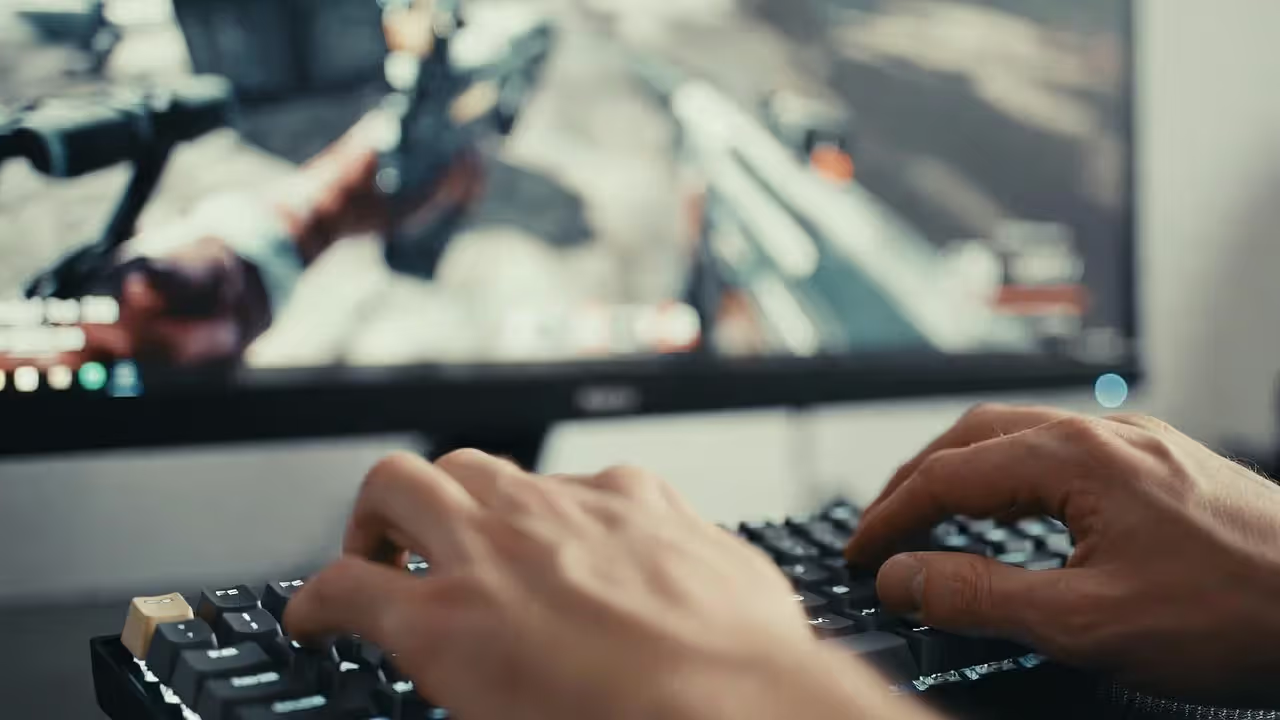
First-person shooters reward fast repeated inputs and quick directional changes. Linear switches with standard or short actuation excel here. You're constantly tapping for movement micro-adjustments, and the smooth keystroke lets you focus on crosshair placement instead of key feel. Speed switches provide marginal advantages for players with excellent trigger discipline—if you frequently misclick or fat-finger adjacent keys, the shorter actuation creates more problems than it solves.
Counter-Strike and Valorant players often prefer Cherry MX Reds or Speed Silvers. The quiet operation helps you hear enemy footsteps, and the consistent linear feel supports the precise counter-strafing these games demand.
MOBAs and RTS games involve complex ability rotations and frequent modifier key combinations. Tactile switches help here by confirming each press without requiring you to bottom out the key. You're executing 15-key sequences in team fights—that tactile bump provides feedback that helps you maintain rhythm without looking at your hands.
League of Legends and Dota 2 players split between linears and tactiles based on whether they prioritize speed (linears) or accuracy (tactiles). The high APM requirements favor lighter actuation forces regardless of switch type.
MMOs need reliable multi-key combinations and comfortable sustained typing for chat and macros. Tactile switches with moderate actuation force (50g) reduce fatigue during hour-long raid sessions while still providing clear feedback for hotbar management. Full-size layouts with dedicated macro keys matter more than switch speed in this genre.
Fighting games present unique requirements—most competitive players use arcade sticks or hitbox controllers instead of keyboards. If you do play fighters on keyboard, heavy linear switches (60g+) prevent accidental inputs during the precise directional sequences these games require.
Response time differences between switch types matter less than marketing suggests. A 0.8mm actuation distance difference translates to roughly 5-8ms at realistic keypress speeds. Your monitor's refresh rate, mouse sensor, and internet latency all impact input delay more than switch actuation point. Choose switches based on comfort and accuracy first, speed second.
Personal preference overrides genre recommendations once you reach intermediate skill levels. A player with 5,000 hours on tactile switches will outperform someone on "optimal" linears simply through muscle memory and comfort. The best switch is the one that disappears during gameplay—you should think about your strategy, not your keyboard.
Typing vs Gaming Keyboards: Can One Board Do Both?
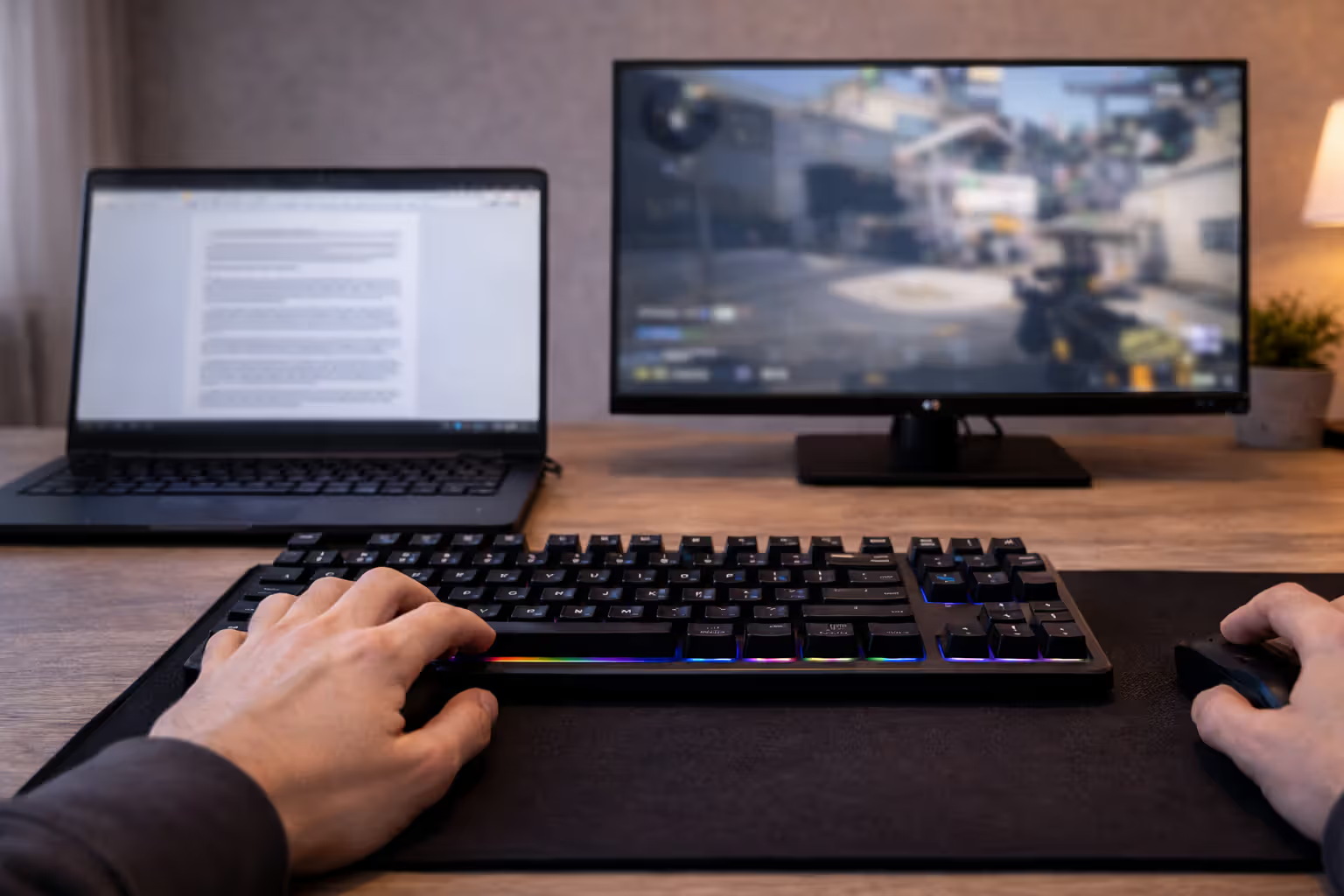
Most people can't justify owning separate keyboards for gaming and productivity. The good news: modern mechanical switches handle both tasks well if you choose thoughtfully. The bad news: you'll compromise on the extremes of both use cases.
Author: Brandon Hayes;
Source: quantumcatanimation.com
Dual-use scenarios work best with medium-weight tactile switches (45-50g actuation). Cherry MX Browns remain popular for hybrid use despite enthusiast criticism because they provide just enough tactile feedback for typing accuracy without the resistance that slows down gaming inputs. You won't get the satisfying thock of heavy tactile typing switches or the lightning response of speed linears, but you'll handle both tasks competently.
The typing experience on gaming-focused linear switches feels mushy and imprecise at first. Without tactile feedback, you bottom out every keypress, which increases finger fatigue during long writing sessions and raises error rates. Typists who switch to linears report a 2-3 week adjustment period before their accuracy returns to baseline. Some never adjust and find linears permanently uncomfortable for prose.
Conversely, using heavy tactile or clicky switches for fast-paced gaming creates noticeable resistance during rapid key sequences. The tactile bump that helps typing accuracy becomes a speed bump when you're spam-clicking abilities in a team fight. Your fingers fatigue faster, and your APM ceiling drops.
Form factor matters more for dual use than most buyers realize. Full-size keyboards (104 keys) provide dedicated number pads essential for spreadsheet work and MMO hotbars, but the extra width forces your mouse farther right, creating shoulder strain during extended gaming. Tenkeyless (TKL) boards cut the numpad for better ergonomics but sacrifice productivity convenience. 75% layouts split the difference—compact footprint with dedicated arrow keys and a partial function row.
If you code or write for work, prioritize typing comfort. You'll spend more cumulative hours typing than gaming, and the performance gap between "good" and "optimal" gaming switches barely registers outside competitive play. A tactile switch that keeps you comfortable through an eight-hour workday beats a speed switch that shaves 5ms off your reaction time.
If you game competitively and type casually, lean toward gaming-optimized linears and accept the typing learning curve. Professional players who stream often keep a separate keyboard off-camera for chat and Discord—that's how much switch choice matters at high skill levels.
Hot-swappable boards solve the compromise by letting you change switches without soldering. Install linears for your gaming position (WASD, ability keys) and tactiles for the rest of the board. This sounds ideal but adds cost and complexity most users don't need. Hot-swap sockets also introduce minor key wobble and potential connection issues compared to soldered switches.
The realistic answer: pick one switch type and adapt. Humans are remarkably good at adjusting to input devices with consistent practice. Your typing speed might drop 10% initially on linears, but it'll recover within a month. Your gaming performance might feel sluggish on tactiles for a week, then normalize as muscle memory adapts.
5 Expensive Mistakes First-Time Buyers Make
Marketing budgets and influencer partnerships push buyers toward expensive mistakes that waste money without improving performance. Here's what to avoid.
Mistake 1: Overpaying for brand names and RGB ecosystems. Corsair, Razer, and Logitech charge $150-200 for boards with features available in $80 alternatives. You're paying for software integration, lighting sync, and brand recognition—none of which affect gameplay. Unless you're deeply invested in a specific RGB ecosystem, buying based on switch quality and build materials delivers better value. Keychron, Ducky, and Leopold make excellent boards at mid-tier prices without the marketing markup.
Mistake 2: Ignoring form factor until after purchase. That full-size board looks impressive in product photos but might not fit your desk setup. Measure your available space and consider mouse room before buying. TKL boards work for 90% of gamers—you lose the numpad but gain 4-5 inches of mouse space. 60% boards go too far for most users by eliminating arrow keys and function rows, forcing you into awkward key combinations for common tasks.
Mistake 3: Choosing switches based on descriptions instead of testing. "Tactile and quiet" or "smooth and fast" mean different things to different hands. Switch testers cost $15-25 and let you feel the actual difference between Cherry, Gateron, and Kailh variants before committing $100+ to a full board. Many users discover their "ideal" switch feels wrong in practice—that satisfying click in a store demo becomes annoying during an eight-hour gaming session.
Mistake 4: Skipping hot-swappable options for your first mechanical board. If you've never used mechanical switches before, you're guessing at preferences. Hot-swap boards let you experiment with different switches as your tastes develop, protecting your investment if your initial choice doesn't work out. The feature adds $20-40 to board cost but saves you from buying a complete replacement six months later.
Mistake 5: Buying into "gaming" features you'll never use. Dedicated macro keys, LCD screens, volume wheels, and wrist rests sound useful but mostly collect dust. Macro keys require software setup most users never complete. LCD screens display stats you can check in-game more easily. Volume wheels are convenient but not worth a $50 price premium. Wrist rests encourage poor ergonomics—your wrists should float, not rest. Identify which features you'll actually use weekly before paying extra for them.
The inverse mistake: buying too cheap and ending up with a board that feels terrible. The $30-50 "mechanical-feeling" keyboards with membrane switches or low-quality Outemu switches create a worse experience than decent membrane boards. The minimum viable mechanical gaming keyboard costs around $70—anything less cuts corners on switch quality, stabilizers, or build materials that directly impact feel.
How Much Should You Actually Spend on a Gaming Keyboard?
Author: Brandon Hayes;
Source: quantumcatanimation.com
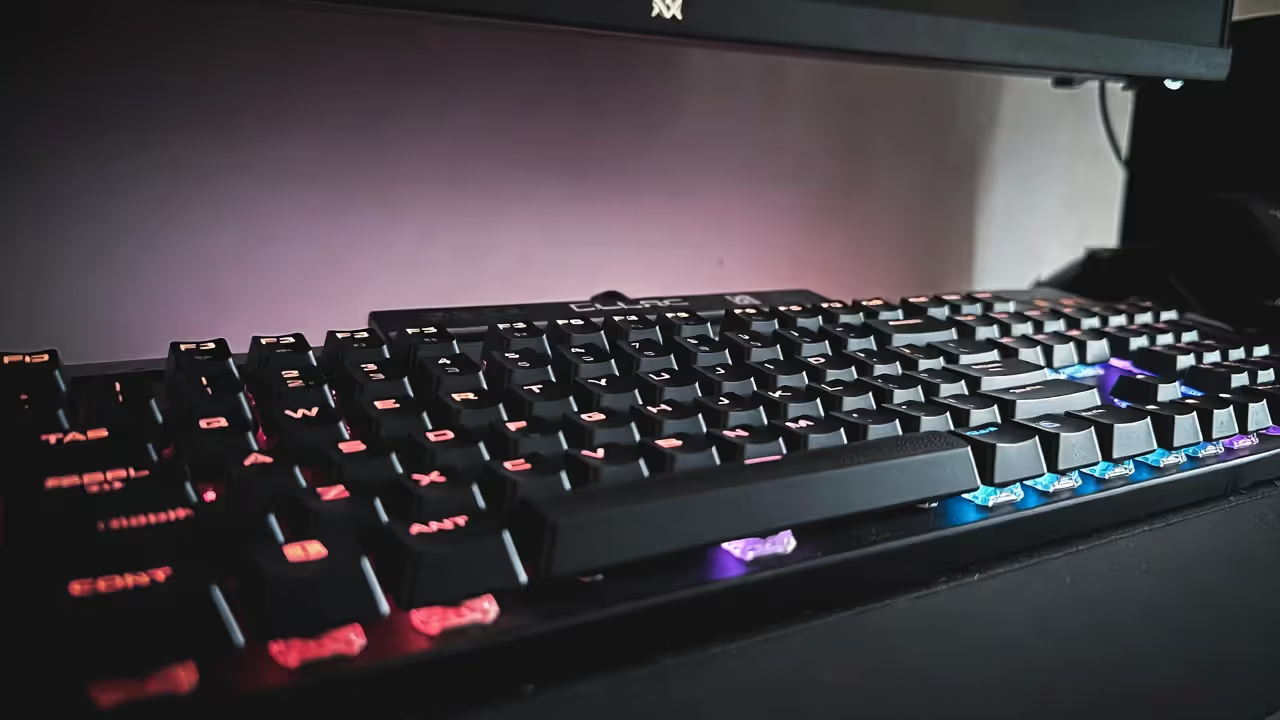
Keyboard pricing follows a steep diminishing returns curve. Understanding the value proposition at each price tier helps you spend appropriately for your skill level and commitment.
$50-75 (Budget tier): Boards in this range use Outemu, Gateron, or off-brand switches with basic plastic construction. You get mechanical switches and anti-ghosting but minimal features. Build quality feels hollow, keycaps develop shine within months, and stabilizers rattle on larger keys. These boards work fine for casual gaming and help you determine if mechanical switches suit you before investing more. Recommended if you're new to PC gaming or unsure about long-term commitment.
Examples: Redragon K552, Royal Kludge RK61. Expect 1-2 years of moderate use before switches or stabilizers degrade noticeably.
$75-150 (Sweet spot): This range delivers the best performance-per-dollar. You get genuine Cherry or premium Gateron switches, aluminum or steel backplates, decent stabilizers, and PBT keycaps. Build quality supports 3-5 years of daily use. RGB lighting is common but not universal. Most boards here skip premium features like hot-swap sockets or wireless connectivity but nail the fundamentals that actually affect gameplay.
Examples: Keychron C2, Ducky One 2, Leopold FC750R. This tier makes sense for anyone gaming regularly who wants quality without overpaying for features.
$150+ (Enthusiast tier): Premium boards add hot-swappable switches, wireless connectivity, premium keycaps, custom case materials, and extensive software. Performance gains over mid-tier boards are minimal—you're paying for convenience features, aesthetics, and build quality that outlasts the USB standard. These boards make sense if you spend 20+ hours weekly gaming, have strong aesthetic preferences, or want a keyboard that'll last a decade.
Examples: Keychron Q1, Wooting 60HE, custom builds. Expect 5-10+ years of use with proper maintenance.
Wireless gaming keyboards have closed the performance gap with wired models. Modern 2.4GHz wireless implementations poll at 1000Hz with sub-1ms latency, making them indistinguishable from wired boards in blind testing. Battery life ranges from 30 hours (full RGB) to 200+ hours (backlight off). The convenience of wireless matters more for desk aesthetics and cable management than performance—choose based on your priorities, not outdated assumptions about wireless lag.
The value sweet spot sits around $100-120. Boards in this range deliver 90% of the performance of $200+ options while avoiding the quality compromises of budget models. Spending more makes sense if you want specific features (hot-swap, wireless, aluminum case), but won't make you a better player.
Competitive gamers sometimes justify expensive boards as performance investments, but the correlation between keyboard price and rank is effectively zero past the $80 threshold. A professional player on a $90 board will destroy an amateur on a $300 board every match. Invest in a quality mouse and monitor before upgrading from a decent keyboard to a premium one.
FAQ: Common Gaming Keyboard Questions Answered
Gaming keyboards differ from standard boards in ways that directly impact performance—polling rates, anti-ghosting, and mechanical switches create measurable advantages in response time and input reliability. But the gap between a $100 mechanical board and a $300 premium model barely registers in actual gameplay.
Switch type matters more than any other spec. Match switch characteristics to your most-played genres: linears for fast-paced shooters and MOBAs, tactiles for hybrid gaming and typing, heavy switches for fighting games. Test switches before committing if possible—a $20 switch tester prevents expensive mistakes.
Form factor affects comfort and desk space more than buyers expect. TKL boards work for most gaming setups by improving mouse positioning. Full-size makes sense for MMO players and productivity users who need numpads.
Avoid common traps: overpaying for brand names and RGB, ignoring form factor, buying switches untested, skipping hot-swap on your first board, and paying for features you won't use. The value sweet spot sits around $100-120 where you get quality switches and solid build without paying for premium features.
Your keyboard should disappear during gameplay. If you're thinking about actuation points or switch resistance during a match, something's wrong. Find the combination of switches, layout, and build quality that feels natural, then focus on improving your actual skills instead of your gear.