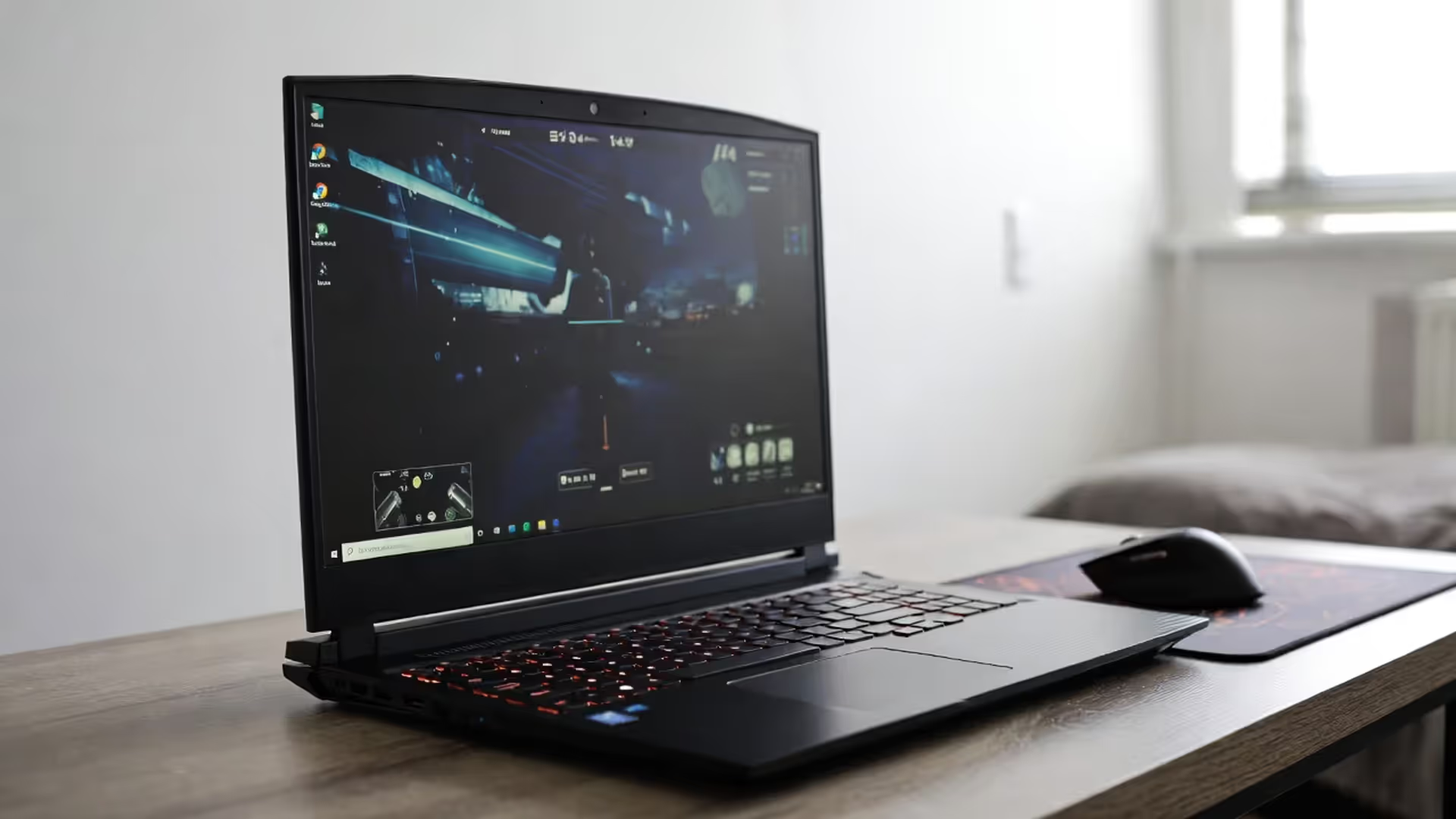
Gaming Laptop Guide: Performance, Portability, and What to Expect
How to Choose a Gaming Laptop?

Content
Choosing a gaming laptop means accepting compromises that desktop users never face. You're trading maximum performance for the ability to game anywhere, and understanding exactly what you're giving up—or gaining—determines whether you'll be satisfied with your purchase three months or three years down the line.
What Separates Gaming Laptops from Regular Laptops
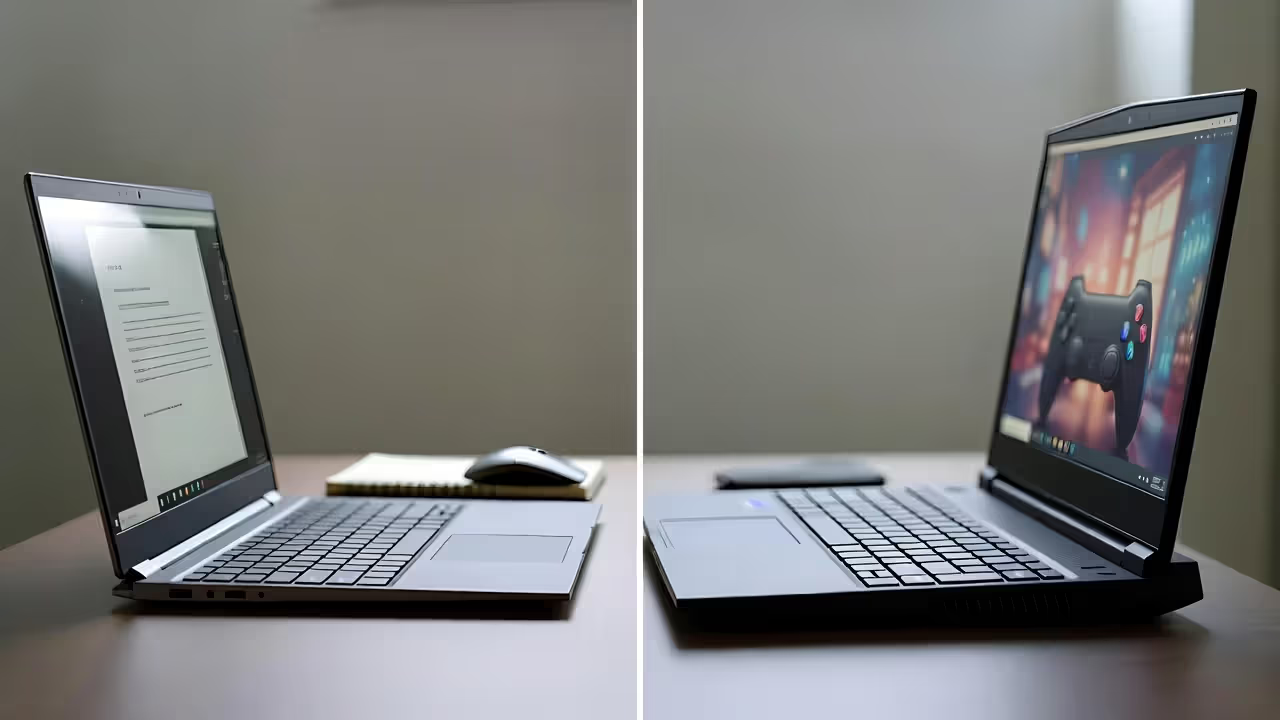
The gap between a standard laptop and a gaming laptop starts with the GPU. While regular laptops rely on integrated graphics sharing system memory, gaming laptops pack dedicated GPUs with their own VRAM. An NVIDIA RTX 4060 laptop GPU, for example, includes 8GB of dedicated memory and thousands of CUDA cores specifically designed to render complex 3D environments at playable frame rates.
But the GPU alone doesn't define a gaming laptop. The display matters just as much. Most productivity laptops cap out at 60Hz refresh rates, which creates a ceiling on how smooth games can look. Gaming laptops typically offer 144Hz, 165Hz, or even 240Hz panels. This higher refresh rate means the screen updates more frequently, reducing motion blur and making fast-paced shooters feel dramatically more responsive. A competitive player in Valorant or CS2 will immediately notice the difference between 60Hz and 144Hz, even if their frame rate stays constant.
Thermal design represents another fundamental difference. A regular laptop might have a single fan and basic heat pipe because a web browser and spreadsheet software generate minimal heat. Gaming laptops require vapor chambers, multiple heat pipes, and dual or triple fan configurations. The Lenovo Legion series, for instance, uses a combination of vapor chamber technology and dedicated GPU/CPU cooling zones to prevent the two heat sources from compounding each other's thermal load.
Author: Megan Lewis;
Source: quantumcatanimation.com
Display quality extends beyond refresh rate. Color accuracy matters for immersive single-player experiences, and most gaming laptops target 100% sRGB coverage at minimum. Higher-end models push into DCI-P3 color spaces. Response time also plays a role—gaming panels typically achieve 3ms or faster gray-to-gray transitions to minimize ghosting during rapid camera movements.
The keyboard and chassis construction round out the differences. Gaming laptops use reinforced hinges to handle frequent opening and closing, often with metal chassis components instead of all-plastic construction. Key switches offer longer travel distances and faster actuation points than the shallow keyboards on ultrabooks. RGB backlighting isn't just aesthetic—it helps with visibility during late-night sessions without flooding the room with desk lamp light.
Desktop vs Laptop Gaming: The Real Performance Gap
Raw Power Comparison
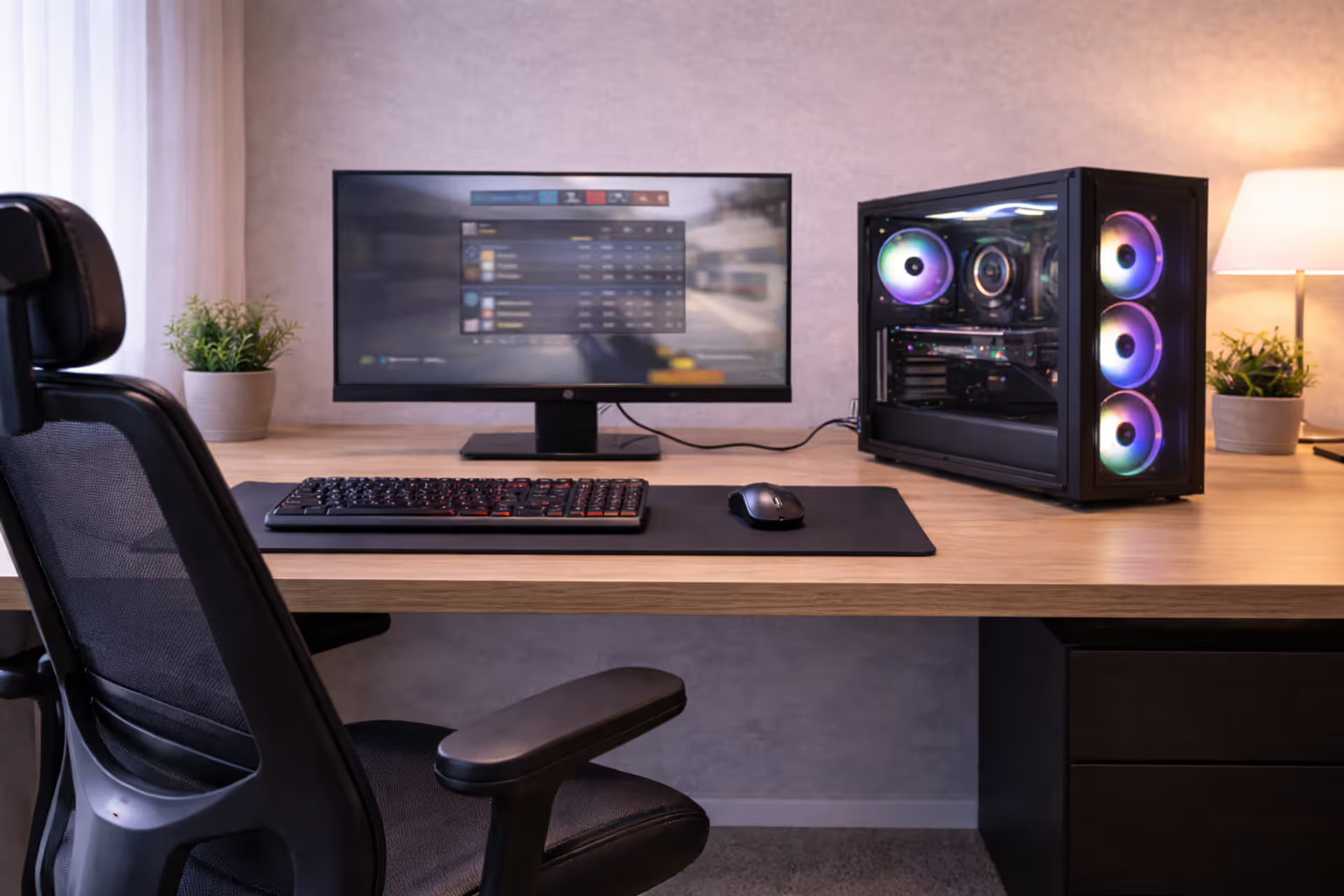
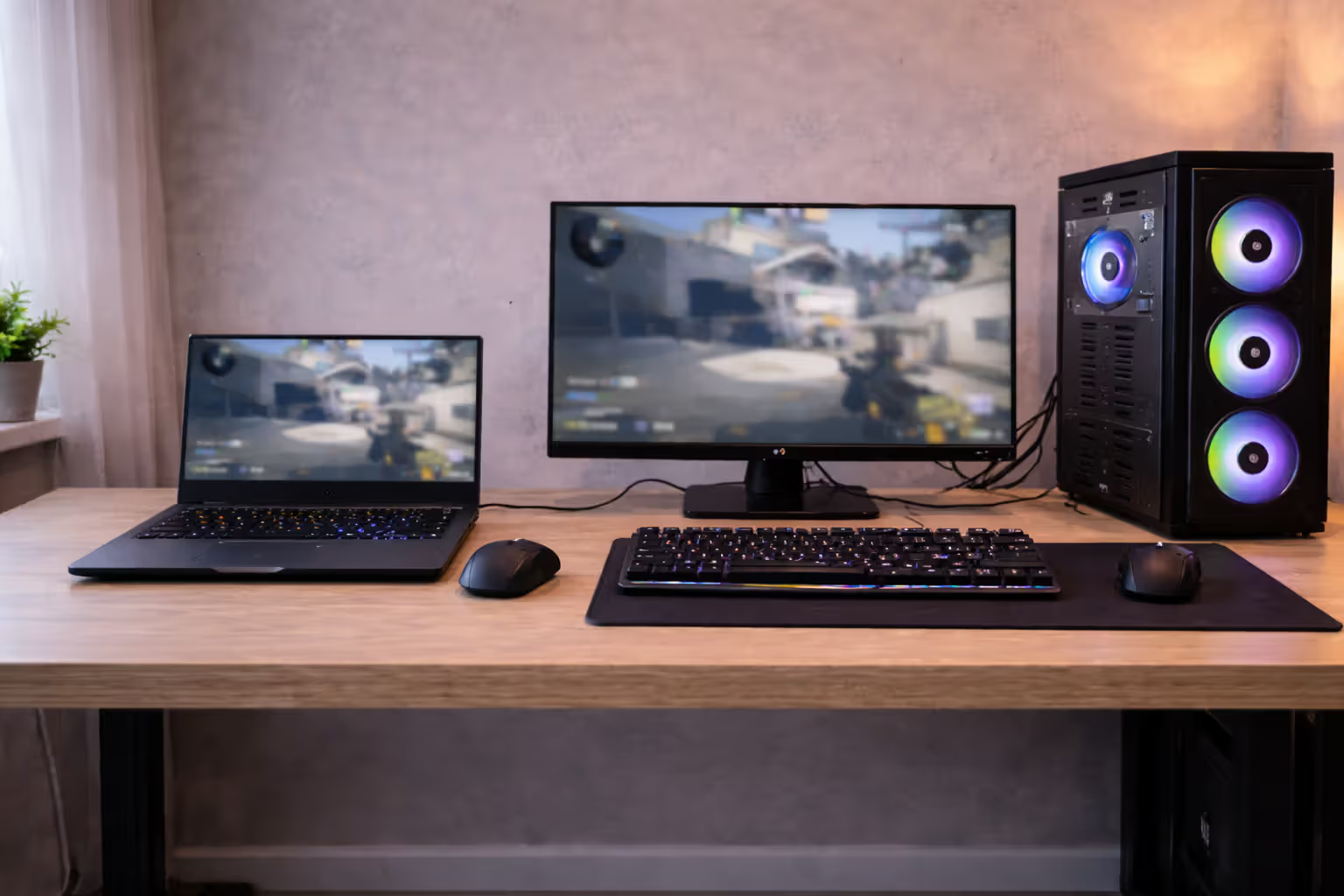
A desktop RTX 4070 outperforms a laptop RTX 4070 by roughly 20-30% in most gaming scenarios. This gap exists because laptop GPUs run at lower clock speeds and reduced power limits to manage heat and battery consumption. The desktop version might consume 200 watts during peak gaming, while the laptop equivalent caps out around 115-140 watts depending on the manufacturer's TGP (Total Graphics Power) implementation.
CPU performance shows similar patterns. A desktop Intel Core i7-14700K runs at 125W base power and can boost well beyond that with adequate cooling. The mobile i7-14700HX variant operates at 55W base with turbo limits around 157W—but only for short bursts before thermal throttling kicks in. During extended gaming sessions, the laptop chip settles into a lower sustained frequency to maintain safe temperatures.
Frame rate differences become obvious in demanding titles. A desktop with an RTX 4070 and Ryzen 7 7800X3D might deliver 110 fps in Cyberpunk 2077 at 1440p with ray tracing enabled. The laptop equivalent with similar GPU and CPU specs typically achieves 75-85 fps in the same scenario. That 25-30% gap remains fairly consistent across most AAA titles.
Upgradeability and Longevity
Desktops let you swap almost everything. When your GPU becomes the bottleneck three years after purchase, you buy a new graphics card and keep everything else. When game requirements exceed your RAM capacity, you add more sticks. Storage upgrades take five minutes with a screwdriver.
Gaming laptops lock down most components. The GPU is soldered to the motherboard—you're stuck with whatever you bought initially. CPU upgrades are equally impossible on modern laptops. RAM sometimes offers upgrade paths, but many manufacturers now solder memory directly to the board, particularly in thinner designs. You can usually upgrade storage via M.2 slots, but that's often the only component you'll ever change.
This limitation directly impacts lifespan. A desktop purchased in 2024 with a mid-range GPU can receive a graphics card upgrade in 2027 and remain competitive through 2030. A gaming laptop purchased the same year will play new releases at progressively lower settings until it eventually can't maintain playable frame rates, typically within 4-6 years depending on your standards.
Author: Megan Lewis;
Source: quantumcatanimation.com
| Metric | Desktop Gaming PC | Gaming Laptop |
| Initial Cost (comparable specs) | $1,200-$1,500 | $1,400-$1,800 |
| Performance per Dollar | Higher (20-30% more fps) | Lower (thermal constraints) |
| Upgrade Potential | GPU, CPU, RAM, storage, cooling | Storage only (usually) |
| Portability Score | 0/10 (stationary) | 7-9/10 (weight dependent) |
| Typical Lifespan | 6-8 years with upgrades | 4-6 years as-is |
| Noise Levels (gaming load) | 35-45 dB (depends on cooling) | 45-55 dB (smaller fans, higher RPM) |
How Laptop Cooling Systems Impact Your Gaming Experience
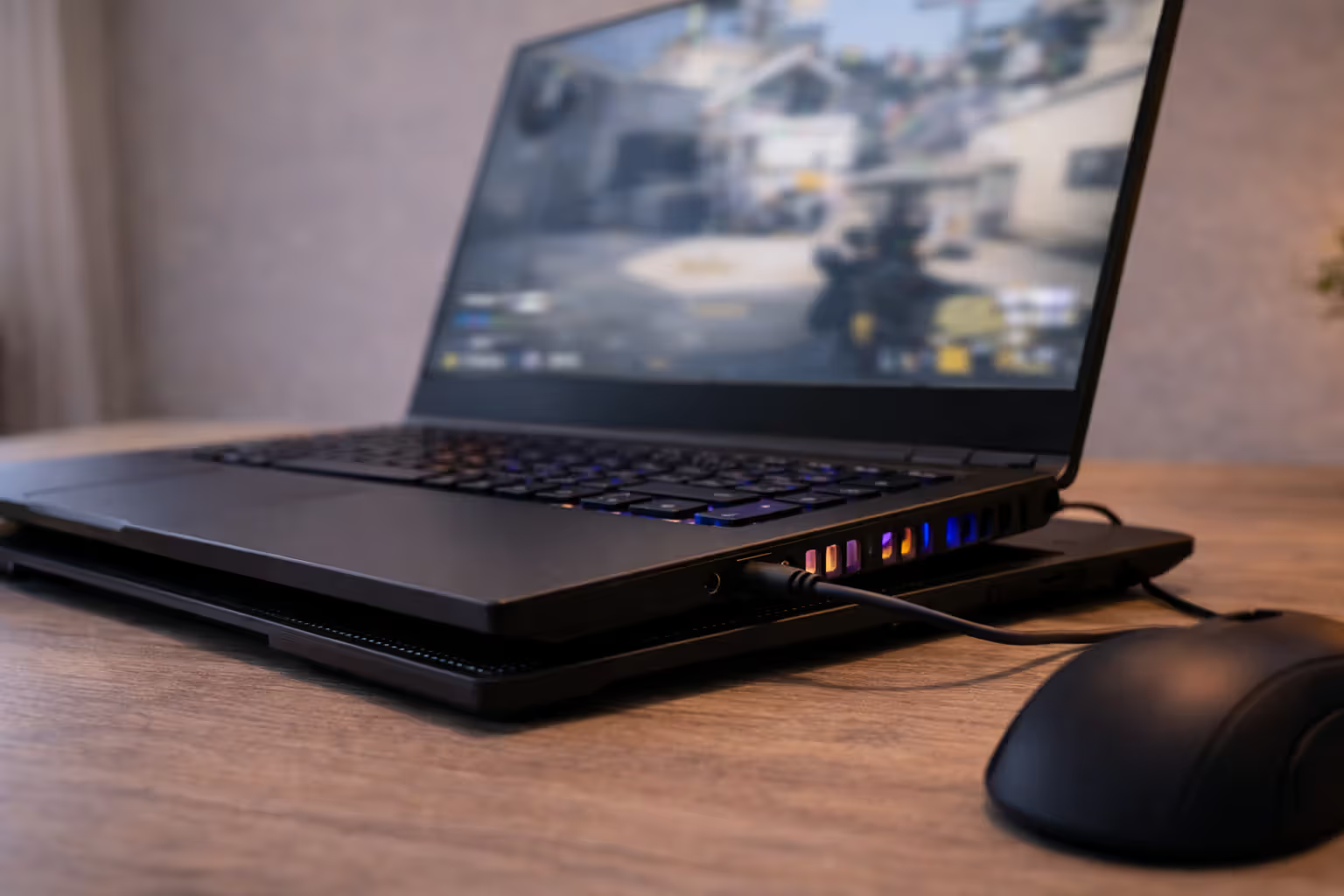
Thermal throttling ruins more gaming experiences than players realize. When your CPU or GPU exceeds safe temperature thresholds—typically 95-100°C for CPUs and 80-87°C for GPUs—the system automatically reduces clock speeds to prevent damage. This manifests as sudden frame rate drops, stuttering, and inconsistent performance that makes games feel broken even when your hardware should handle them easily.
Author: Megan Lewis;
Source: quantumcatanimation.com
Vapor chamber cooling represents the current high-end solution. Unlike traditional heat pipes that move heat through liquid-vapor phase changes in copper tubes, vapor chambers spread heat across a flat surface area before transferring it to heat pipes and fins. The ASUS ROG Strix series uses vapor chambers that cover both the CPU and GPU dies, creating a larger surface area for heat dissipation. This design reduces hotspots and maintains more consistent temperatures during extended gaming sessions.
Heat pipe count and diameter matter more than marketing suggests. A laptop advertising "advanced cooling" with three thin heat pipes will underperform compared to a system with two thicker pipes. The MSI Raider series uses 6mm diameter heat pipes compared to the 4mm pipes in budget models, which translates to roughly 40% more heat transfer capacity per pipe.
Fan configuration creates the second critical variable. Entry-level gaming laptops use shared cooling where a single thermal module handles both CPU and GPU. Better designs separate the two components with dedicated fans and heat pipes for each. The Lenovo Legion 7i, for example, routes CPU heat to the rear exhaust while directing GPU heat to side vents, preventing the two heat sources from overwhelming a single exit point.
The biggest mistake laptop manufacturers make is prioritizing thinness over thermal headroom. You can have the fastest GPU on paper, but if it throttles to 85% power after ten minutes of gaming, you've essentially bought a slower card that cost more.
— Dave Lee, hardware reviewer at Dave2D
Real-world impact shows up clearly in sustained performance tests. A well-cooled gaming laptop with an RTX 4060 might maintain 95-100% of its maximum clock speed during a 30-minute gaming session. A poorly cooled laptop with the same GPU could drop to 75-80% of maximum clocks as temperatures climb, effectively turning your RTX 4060 into something closer to an RTX 4050 in actual performance.
Ambient temperature affects laptops more severely than desktops. Gaming in a 75°F air-conditioned room versus an 85°F room without AC can mean the difference between smooth performance and constant throttling. Desktops with larger heatsinks and case airflow handle ambient temperature variations better. Laptop owners in hot climates often resort to cooling pads—external USB-powered fans that sit under the laptop—which can lower temperatures by 5-8°C and restore lost performance.
Portability Trade-offs Every Gamer Should Consider
Battery life during gaming remains largely fictional for marketing purposes. Manufacturers advertise 6-8 hours of battery life, but those figures assume web browsing and video playback, not gaming. When you launch a demanding game, expect 60-90 minutes before the battery dies, sometimes less. The GPU and CPU running at full power drain batteries faster than the cells can sustain for extended periods.
This reality means portable gaming performance depends heavily on access to outlets. You can game on a laptop during a cross-country flight, but only if you're in a seat with power access and willing to drain your battery before landing. Coffee shop gaming sessions work until the battery hits 20% and the laptop automatically throttles performance to extend remaining runtime. The portability advantage really means "gaming in different rooms of your house" or "bringing your setup to a friend's place" rather than truly untethered gaming.
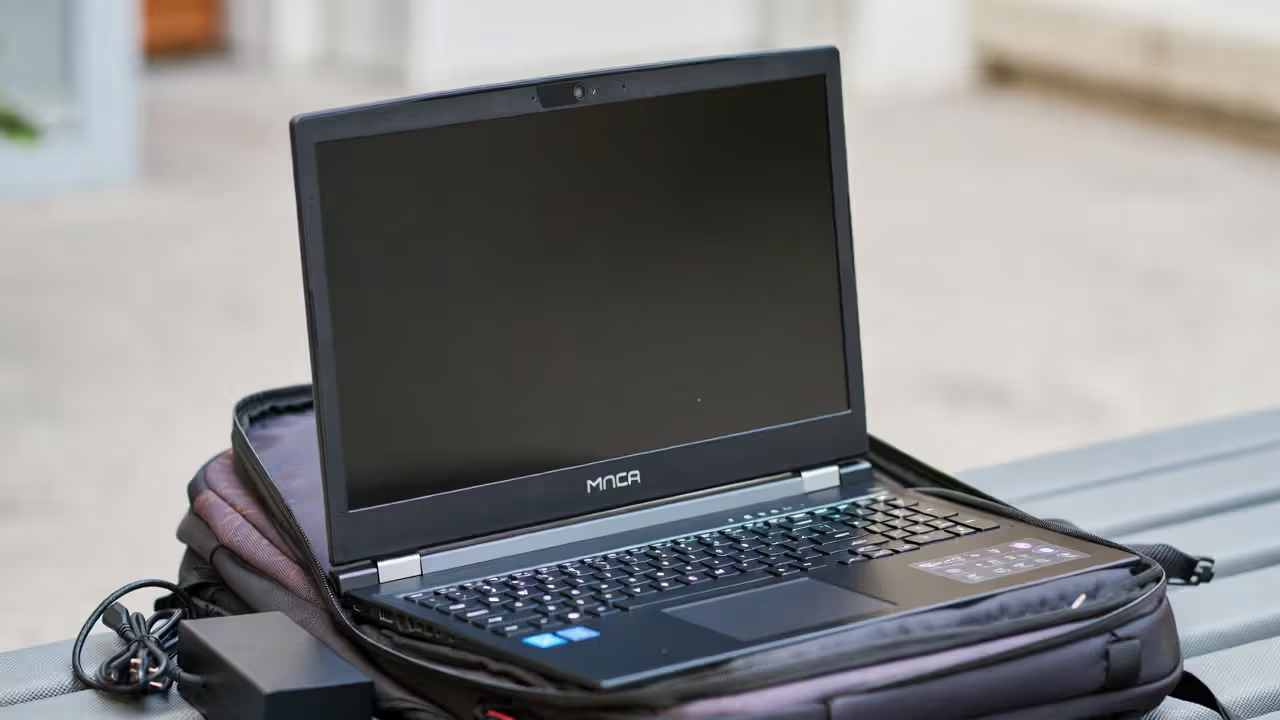
Weight classes split gaming laptops into distinct categories. Ultra-portable gaming laptops like the ASUS ROG Zephyrus G14 weigh around 3.5 pounds and fit in standard backpacks without causing shoulder strain. Mid-weight options like the Lenovo Legion 5 Pro hit 5-5.5 pounds—noticeable in a backpack but manageable for daily carrying. Desktop replacement models like the MSI Titan or Alienware Area-51m exceed 8 pounds and require dedicated laptop bags with reinforced straps.
Screen size directly opposes mobility. A 14-inch display makes the laptop genuinely portable but cramps your field of view in games where peripheral vision matters. A 17-inch screen provides immersive gaming but turns the laptop into a burden for regular transport. The 15.6-inch form factor represents the compromise most gamers choose—large enough for comfortable gaming, small enough to fit in most bags.
Thickness affects more than just bag fit. Thin gaming laptops sacrifice cooling capacity, which leads to the thermal issues discussed earlier. The thinnest models measure under 0.8 inches but run hotter and louder than 1-inch-thick alternatives with better thermal solutions. If you plan to actually transport your laptop regularly, the thinner design makes sense despite the thermal penalty. If it mostly sits on a desk, the extra thickness buys meaningful performance headroom.
Author: Megan Lewis;
Source: quantumcatanimation.com
Price-to-Performance: What Your Budget Actually Gets You
The $800-$1,000 tier gets you entry-level gaming with significant compromises. Expect an RTX 4050 or RTX 3050 GPU, a mid-tier processor like an Intel Core i5-13420H or AMD Ryzen 5 7535HS, 8GB of RAM (which you should immediately upgrade to 16GB if possible), and a 144Hz 1080p display. This hardware handles esports titles like League of Legends, Valorant, and Fortnite at high settings with 100+ fps. Modern AAA games require medium settings and typically deliver 45-60 fps at 1080p. Build quality suffers at this price—expect plastic chassis, basic cooling, and shorter lifespans.
The $1,200-$1,500 range represents the sweet spot for most gamers. You're looking at an RTX 4060 GPU, Core i7 or Ryzen 7 processors, 16GB of RAM standard, and better build quality with some metal chassis components. This tier handles AAA games at high settings with 60+ fps at 1080p, and medium-high settings at 1440p in less demanding titles. Cooling improves noticeably—you'll see vapor chamber designs and better fan configurations that maintain performance during extended sessions. Display quality jumps to better color accuracy and sometimes higher refresh rates (165Hz or 240Hz).
The $1,800-$2,200 bracket delivers high-end gaming performance. RTX 4070 GPUs become standard, along with top-tier mobile processors, 32GB of RAM in some models, and premium 1440p displays with excellent color reproduction. You can max out settings in most games at 1440p and still maintain 60+ fps. Build quality matches or exceeds premium ultrabooks—think metal chassis, per-key RGB lighting, and advanced cooling with multiple heat pipes and vapor chambers. These laptops also include better I/O with Thunderbolt 4 ports, faster Wi-Fi 6E or Wi-Fi 7, and higher-quality audio.
Beyond $2,500, you enter diminishing returns territory. RTX 4080 and 4090 laptop GPUs provide the ultimate mobile performance, but the price premium over an RTX 4070 laptop often exceeds the actual performance gain. A $3,000 laptop with an RTX 4080 might deliver 20-25% more fps than a $1,900 laptop with an RTX 4070, but costs 58% more. These top-tier models make sense for professionals who need maximum performance for work and gaming, or enthusiasts who simply want the best regardless of value calculations.
Common Gaming Laptop Mistakes That Waste Your Money
Overpaying for excessive RAM ranks among the most common errors. A manufacturer might charge $200 extra for a 32GB configuration versus 16GB, but you can buy a 32GB RAM kit for $60-80 and install it yourself in ten minutes. Most games still run perfectly fine on 16GB, though 32GB provides headroom for future titles and heavy multitasking. Paying the manufacturer's premium makes no sense when RAM upgrades are simple and cheap—assuming your chosen laptop uses SO-DIMM slots rather than soldered memory.
Ignoring TGP ratings causes buyers to think they're getting equivalent performance across laptops with the same GPU model. An RTX 4070 laptop GPU can range from 85W to 140W TGP depending on the manufacturer's implementation. The 85W version performs roughly 25% slower than the 140W variant, despite both being sold as "RTX 4070" laptops. Manufacturers often hide TGP specs in fine print or omit them entirely. Check professional reviews that measure actual TGP before buying, or you might pay RTX 4070 prices for RTX 4060-level performance.
Skipping extended warranties on gaming laptops proves costly more often than with desktops. Laptops suffer higher failure rates due to portability stress, hinge wear, and thermal cycling. A $150-200 extended warranty that covers accidental damage makes sense for a $1,500+ laptop you plan to transport regularly. The standard one-year manufacturer warranty often expires just as components start failing from accumulated wear.
Buying last-generation hardware at minimal discounts wastes money unless the savings exceed 30-40%. A laptop with an RTX 3070 Ti might sell for $1,200 while a new RTX 4060 laptop costs $1,400. The RTX 4060 offers similar performance with better efficiency, newer features like DLSS 3, and longer driver support. The $200 savings doesn't justify buying older technology unless you're extremely budget-constrained.
Prioritizing RGB lighting and aesthetic features over cooling and build quality appeals to first-time buyers who later regret the choice. Flashy lighting looks great in product photos but adds nothing to gaming performance. A laptop with subdued design but excellent cooling will outperform and outlast a flashy model with inadequate thermal solutions. Check reviews that measure temperatures and noise levels, not just marketing materials that showcase lighting effects.
Frequently Asked Questions About Gaming Laptops
Buying a gaming laptop means accepting permanent hardware limitations in exchange for mobility. You'll pay more for less performance compared to desktops, face restricted upgrade paths, and deal with thermal challenges that don't exist in larger form factors. But you'll also game anywhere with power access, eliminate the need for separate work and gaming computers, and avoid dedicating permanent desk space to a tower and monitor setup.
The decision comes down to how much you value portability versus maximum performance and future-proofing. If you travel frequently, live in small spaces, or need a single device for work and play, a gaming laptop makes sense despite the compromises. If you primarily game in one location and want the best performance per dollar with room for future upgrades, a desktop serves you better. Neither choice is wrong—they simply optimize for different priorities.