Gaming Monitor Buying Guide: How Refresh Rates and Display Technology Impact Your Experience
How to Choose a Gaming Monitor?

Content
Shopping for a gaming monitor means navigating a minefield of specifications that manufacturers love to highlight but rarely explain. You'll see numbers like 144Hz, 240Hz, and 1ms plastered across product pages, but understanding what these actually mean for your gaming experience requires cutting through marketing language and focusing on measurable differences.
The right monitor transforms how games feel. The wrong one becomes an expensive bottleneck that no graphics card upgrade can fix. This guide breaks down the technical specifications that actually matter, compares the real-world performance differences between refresh rate tiers, and helps you avoid the costly mistakes that first-time buyers make.
What Separates Gaming Monitors from Regular Displays
Standard office monitors prioritize color accuracy, viewing angles, and static image quality. A gaming monitor optimizes for motion clarity and input responsiveness—two factors that barely register on a spreadsheet comparison but become immediately obvious the moment you start playing.
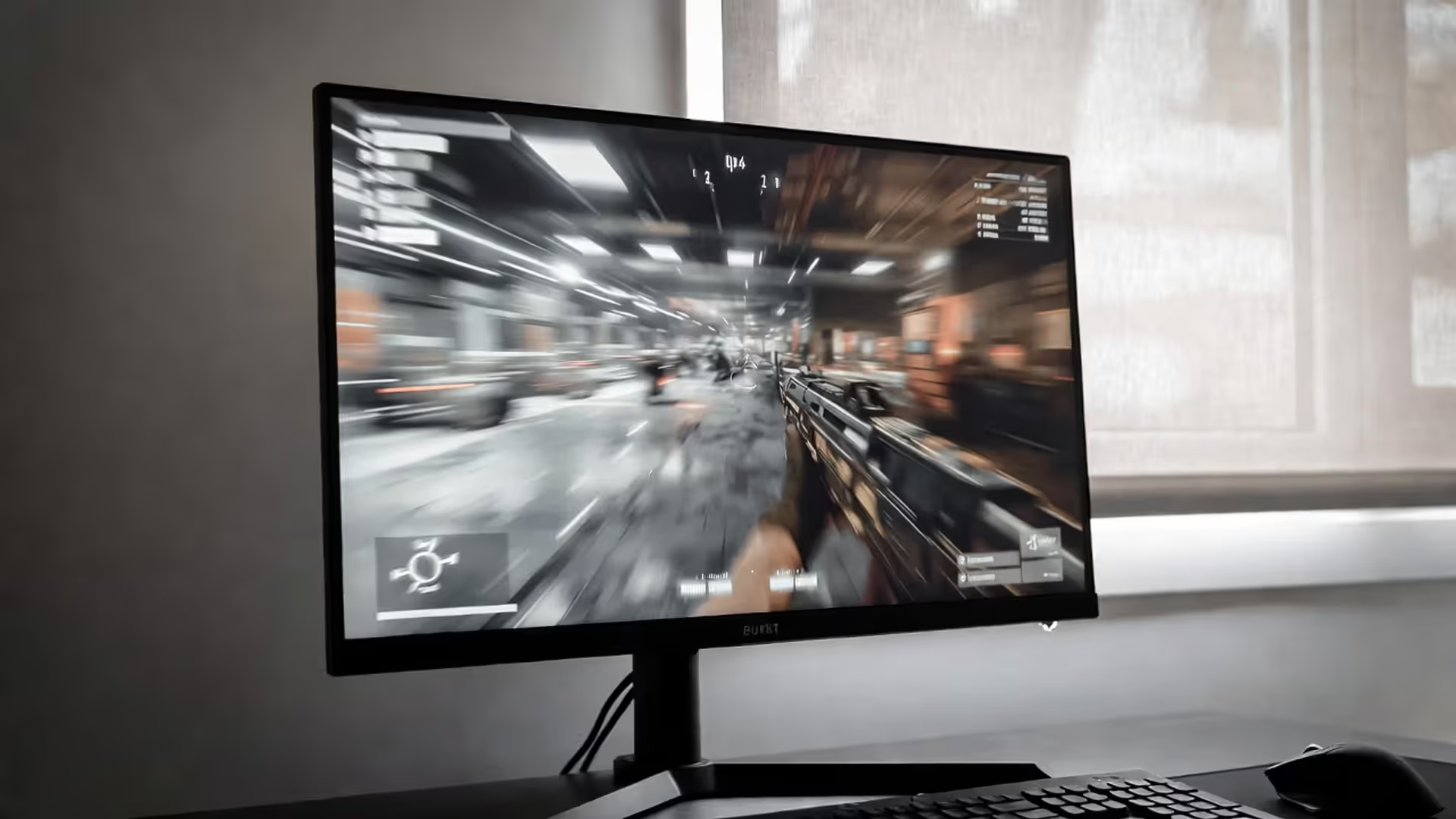
The difference shows up most clearly in fast-paced games. When you whip your mouse across the screen in a shooter, a regular 60Hz display shows visible stuttering and motion blur. Your character model smears across the screen, and tracking moving targets becomes guesswork. A proper gaming display eliminates this blur, presenting each frame as a distinct, clear image even during rapid camera movements.
Response Time vs. Refresh Rate
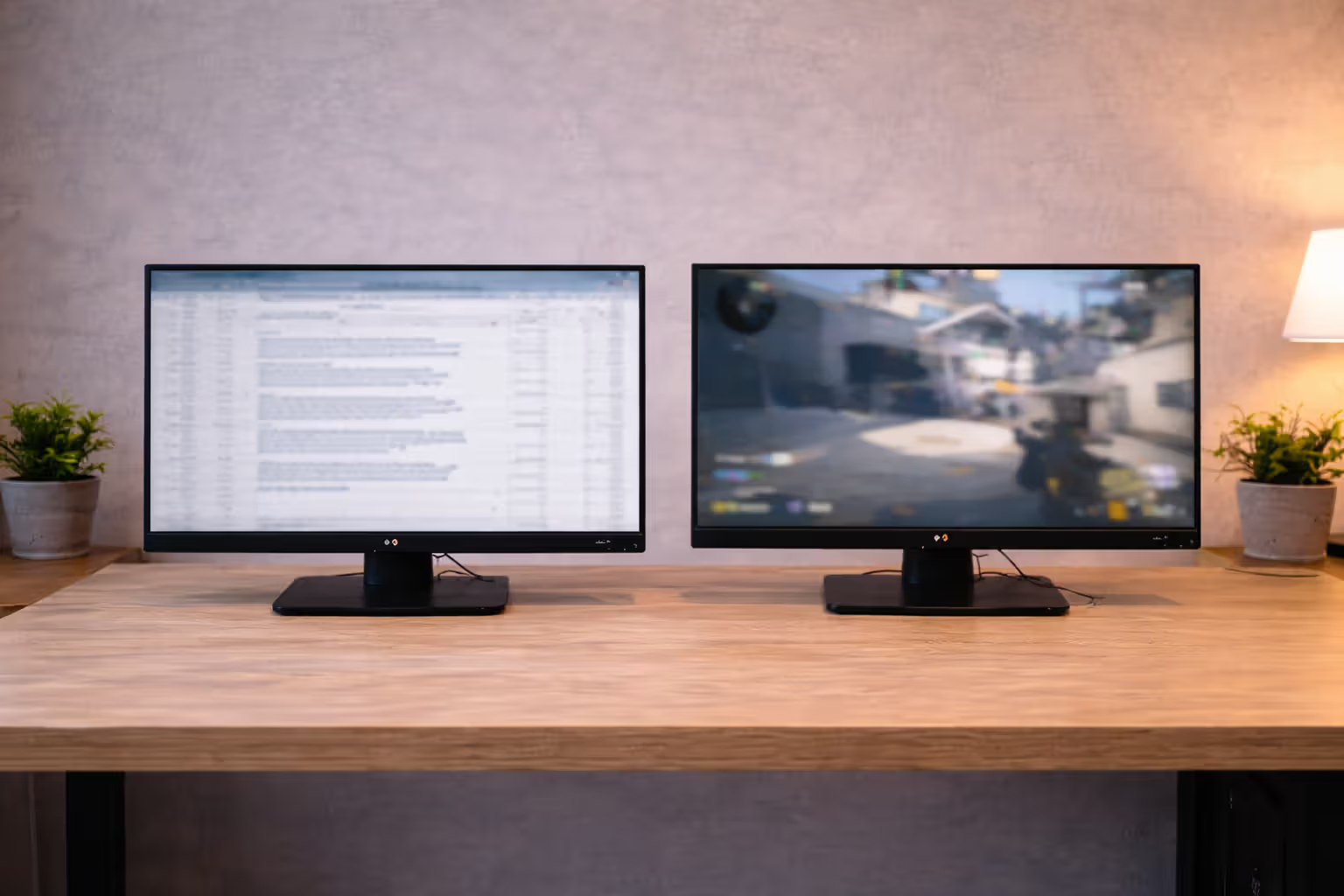
These terms get confused constantly, but they measure completely different aspects of display performance. Refresh rate (measured in Hz) tells you how many times per second the monitor can draw a new image. A 144Hz display refreshes 144 times per second, updating the image every 6.9 milliseconds.
Author: Tyler Brooks;
Source: quantumcatanimation.com
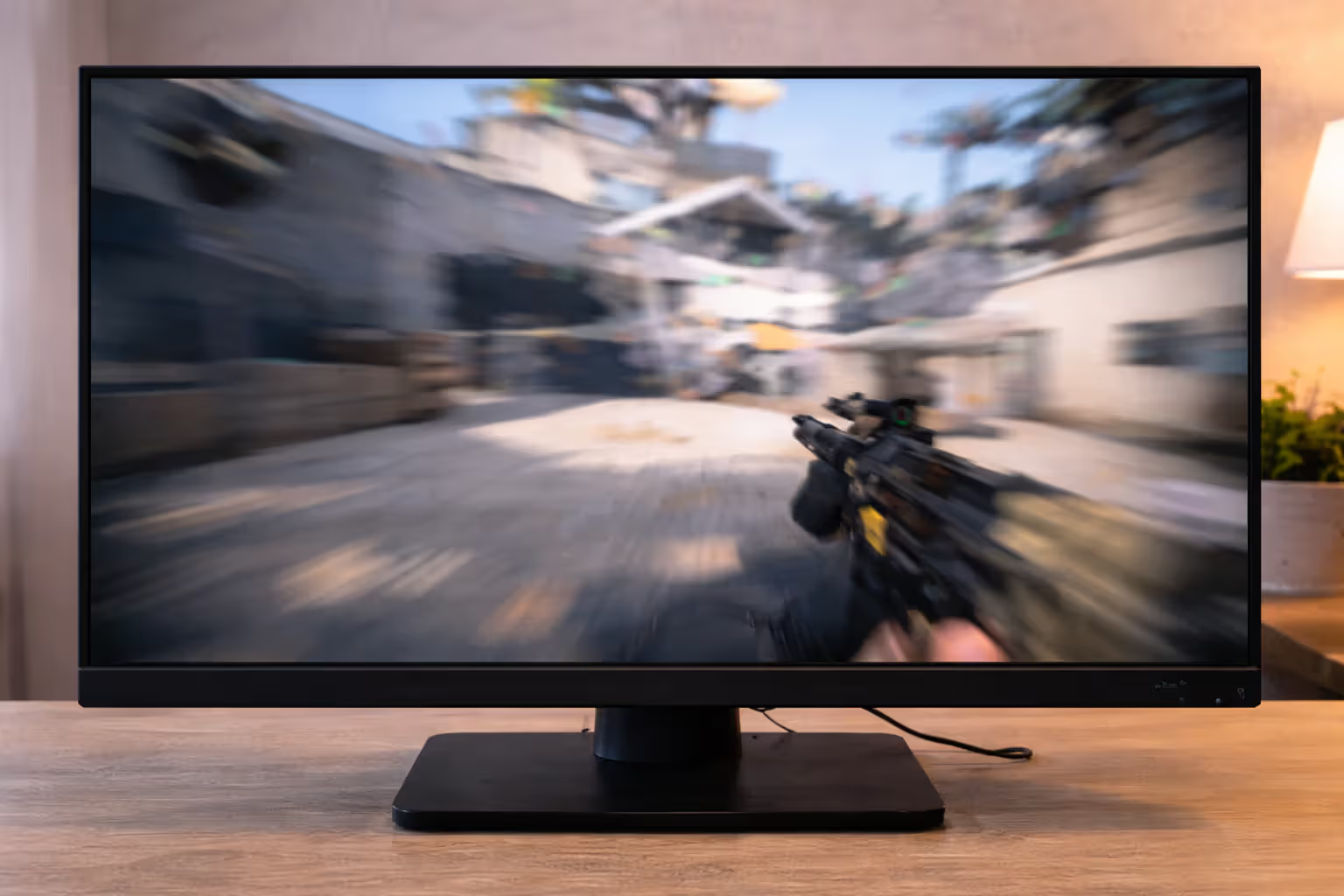
Response time measures how quickly individual pixels can change from one color to another, typically from gray to gray. A 1ms response time means pixels transition in one millisecond. This specification prevents ghosting—the trail of previous frames that follows moving objects across your screen.
Here's the practical relationship: high refresh rates demand fast response times. If you run a 240Hz monitor but pixels take 10ms to transition, you'll see ghosting because new frames arrive before old pixels finish changing. Quality gaming monitors match response time to refresh rate capability, typically offering 1ms or faster transitions at their maximum refresh rate.
Panel Types That Matter for Gaming
Three panel technologies dominate the gaming monitor market, each with distinct trade-offs:
Author: Tyler Brooks;
Source: quantumcatanimation.com
TN (Twisted Nematic) panels offer the fastest response times—often 0.5ms to 1ms—and the lowest input lag. Professional esports players gravitate toward TN panels despite their narrow viewing angles and washed-out colors when viewed off-center. If you sit directly in front of your monitor and prioritize competitive performance above visual quality, TN delivers.
IPS (In-Plane Switching) panels provide superior color accuracy and viewing angles. Modern IPS gaming monitors have closed the response time gap significantly, with many achieving 1ms gray-to-gray times. The trade-off is slightly higher input lag and increased cost. For single-player games where visual fidelity matters, IPS represents the sweet spot between performance and image quality.
VA (Vertical Alignment) panels excel at contrast ratios—typically 3000:1 compared to 1000:1 for IPS. This makes them excellent for dark games and HDR content. The downside is slower response times, particularly in dark-to-dark transitions, which can cause black smearing in shadow-heavy scenes. VA works well for immersive single-player experiences but struggles in competitive scenarios.
How Refresh Rate Actually Works (And Why It Matters)
Your graphics card renders frames and sends them to your monitor. The monitor then displays these frames at its refresh rate. A 60Hz monitor shows 60 frames per second maximum, regardless of whether your GPU renders 100 fps or 300 fps. Those extra frames get discarded, wasted computational power that never reaches your eyes.
When your framerate exceeds your refresh rate, you encounter screen tearing—horizontal lines where the monitor displays portions of multiple frames simultaneously. This happens because the GPU sends a new frame while the monitor is mid-refresh, creating a visible split.
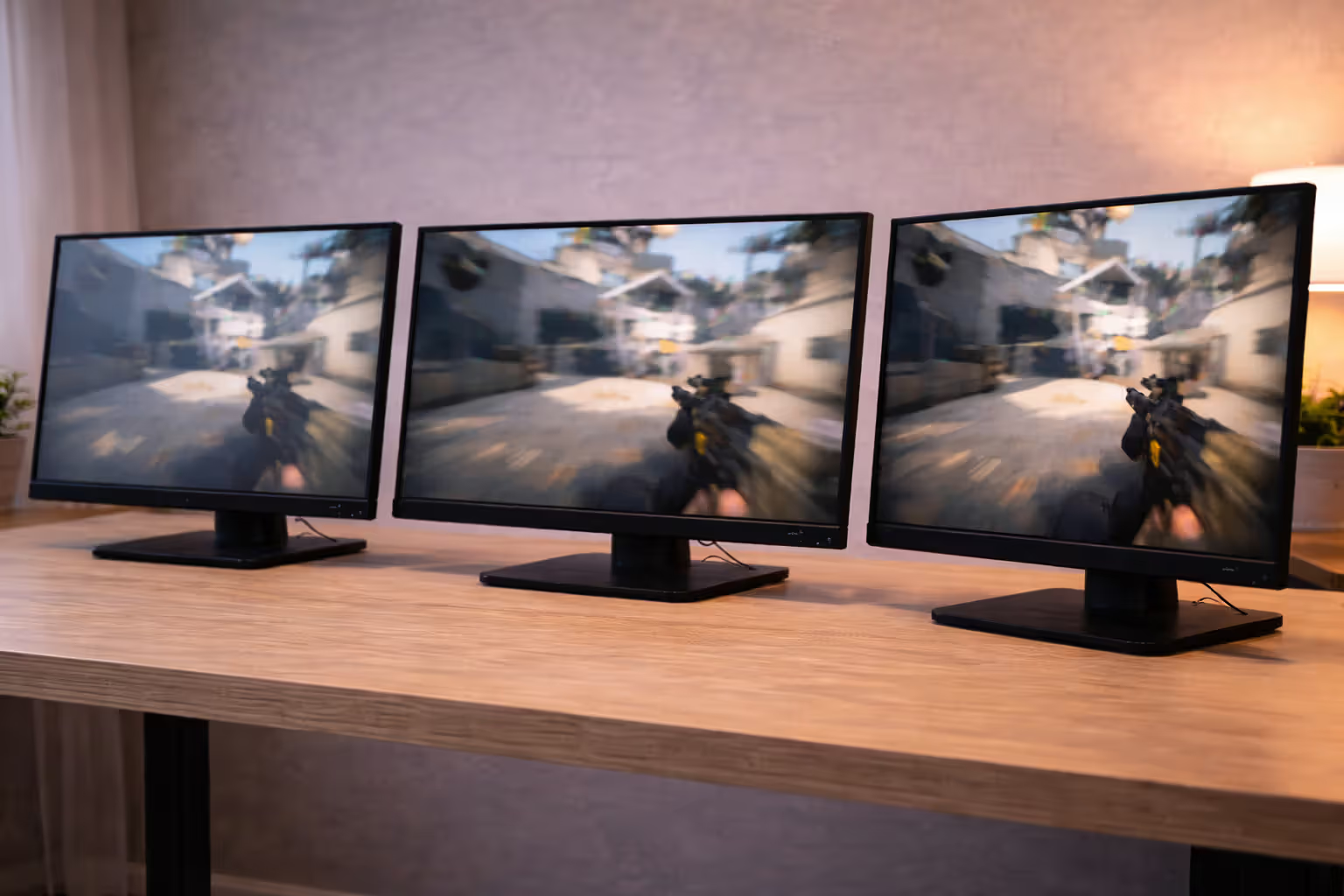
Higher refresh rates reduce this problem by drawing frames more frequently, giving the GPU more opportunities to sync up. A 240Hz monitor refreshes every 4.2ms, while a 60Hz display takes 16.7ms. That 12.5ms difference represents multiple frames at high framerates, dramatically reducing tearing and improving motion clarity.
The human eye doesn't have a "frame rate," but it does have limits on temporal resolution. Most people can perceive improvements up to 144Hz clearly. Beyond that point, the benefits become subtle—measurable in testing but less obvious during casual play. Professional players claim they can feel differences up to 360Hz, but these advantages primarily matter in competitive scenarios where milliseconds determine outcomes.
Frame delivery timing matters as much as raw numbers. Consistent frame times create smooth motion; variable frame times cause stuttering even at high average framerates. This is where display technology like adaptive sync becomes critical.
Author: Tyler Brooks;
Source: quantumcatanimation.com
144Hz vs 240Hz: Performance Breakdown by Game Type
The jump from 60Hz to 144Hz represents a massive perceptual upgrade. The leap from 144Hz to 240Hz shows diminishing returns—noticeable in specific scenarios but not universally transformative.
| Refresh Rate | Competitive FPS Games | Single-Player AAA Games | Esports Advantage | Minimum GPU Required | Typical Price Range |
| 60Hz | Playable but disadvantaged | Adequate for most titles | Significant handicap vs. higher refresh opponents | GTX 1650 / RX 5500 | $150-$250 |
| 144Hz | Smooth, responsive, competitive standard | Noticeably improved motion clarity | Level playing field in most competitive scenes | RTX 3060 / RX 6600 XT | $200-$400 |
| 240Hz | Marginal improvement in target tracking | Minimal visual difference in most games | Slight edge in professional-level play | RTX 3070 / RX 6800 | $350-$600 |
| 360Hz | Imperceptible to most players | No meaningful benefit | Only relevant for top 0.1% of players | RTX 4070 Ti / RX 7900 XT | $500-$900 |
Professional esports coach and former Counter-Strike player Jacob "Pimp" Winneche explained the practical limits:
The difference between 60 and 144Hz is night and day—you feel it immediately. Going from 144 to 240Hz gives you maybe a 5% improvement in tracking fast-moving targets. Beyond 240Hz, you're chasing diminishing returns that only matter when everyone else at your skill level also has perfect setups.
— Jacob "Pimp" Winneche
In competitive shooters like Valorant, CS:GO, or Apex Legends, 240Hz provides measurable advantages. When tracking an enemy strafing across your screen, the additional frames reduce the perceived "jump" between positions. Your crosshair placement becomes more precise because you're reacting to more current information.
Single-player games tell a different story. Playing Cyberpunk 2077 or Red Dead Redemption 2 at 144Hz versus 240Hz produces minimal perceptual difference. These games feature slower camera movements and less emphasis on split-second reactions. The GPU power required to drive 240fps at high settings would be better spent on increased resolution or graphics quality.
The hardware requirements create a practical ceiling. Achieving 240fps consistently in modern competitive games requires high-end graphics cards and CPU performance. If your system averages 180fps, a 240Hz monitor doesn't provide its full benefit—you'd see better results from a 144Hz display paired with a GPU upgrade.
Gaming Display Technology You'll Actually Notice
Specifications beyond refresh rate determine whether a gaming monitor feels responsive or introduces frustrating artifacts during play.
Adaptive Sync (G-Sync and FreeSync)
Screen tearing occurs when your framerate doesn't match your refresh rate. Traditional V-Sync eliminates tearing by capping framerate to your refresh rate, but introduces input lag and stuttering when frames drop below the cap.
Adaptive sync technologies—NVIDIA's G-Sync and AMD's FreeSync—solve this by making the monitor's refresh rate variable. Instead of refreshing at a fixed 144Hz, the monitor adjusts its refresh rate dynamically to match your current framerate. Rendering 127fps? The monitor refreshes at 127Hz. This eliminates tearing without the input lag penalty of V-Sync.
Author: Tyler Brooks;
Source: quantumcatanimation.com
G-Sync requires proprietary NVIDIA hardware built into the monitor, which increases cost by $100-$200. G-Sync Compatible certification means a FreeSync monitor has been tested and approved by NVIDIA to work with their GPUs without the dedicated module.
FreeSync is an open standard that doesn't require additional hardware, making it cheaper to implement. Quality varies significantly between FreeSync monitors—some work flawlessly, others have narrow operating ranges or introduce flickering. Check the specific adaptive sync range (e.g., 48-144Hz) rather than just the FreeSync badge.
Practical advice: if you own an NVIDIA GPU, prioritize G-Sync Compatible or native G-Sync monitors. AMD GPU owners can use any FreeSync display but should verify the adaptive sync range covers their typical framerates.
HDR Implementation in Gaming Monitors
HDR (High Dynamic Range) promises expanded contrast and brightness ranges, making bright areas brighter and dark areas darker without crushing detail. The reality in gaming monitors falls short of HDR's potential.
True HDR requires sustained brightness of 1000 nits or higher and local dimming with hundreds of zones. Most gaming monitors claiming HDR support barely reach 400 nits and lack local dimming entirely. They can display HDR signals but can't reproduce the contrast range that makes HDR worthwhile.
VESA's DisplayHDR certification provides a useful filter: - DisplayHDR 400: Minimum spec, barely noticeable improvement over SDR - DisplayHDR 600: Moderate improvement with some local dimming - DisplayHDR 1000: Genuine HDR experience with significant visual impact
The problem is cost. DisplayHDR 1000 gaming monitors start around $1,500. For most buyers, investing in higher refresh rates or better resolution provides more noticeable improvements than mediocre HDR implementation.
HDR also introduces complications. Many games implement it poorly, resulting in washed-out colors or overly dark shadows. Windows HDR support remains inconsistent, sometimes causing color accuracy issues in desktop applications. Unless you're willing to invest in high-end HDR (1000 nits minimum), prioritize other specifications.
Common Mistakes When Choosing Your First Gaming Monitor
- Buying refresh rate your GPU can't support: A 240Hz monitor is wasted if your graphics card averages 90fps in the games you play. Check realistic framerates for your hardware before committing to high refresh rates. A 144Hz display with a GPU upgrade provides better results than a 240Hz monitor paired with inadequate graphics power.
- Ignoring resolution scaling with screen size: A 24-inch 1080p monitor has 92 pixels per inch. Stretch that same resolution to 27 inches and you get 82 PPI—individual pixels become visible at normal viewing distances. For 27-inch displays, 1440p represents the minimum acceptable resolution. Above 32 inches, 4K becomes necessary to maintain image clarity.
- Assuming response time specifications are standardized: Manufacturers measure response time using different methodologies. One company's "1ms" might measure gray-to-gray transition at optimal settings, while another measures the fastest possible transition between specific colors. Third-party reviews with standardized testing provide more reliable response time data than manufacturer specs.
- Overlooking panel quality variance: Two monitors with identical specifications can perform differently due to panel lottery—manufacturing variance that affects backlight uniformity, color accuracy, and dead pixels. Buying from retailers with good return policies protects against receiving a subpar panel.
- Prioritizing specs over ergonomics: Height adjustment, tilt, swivel, and pivot capabilities matter more than you'd expect. A monitor at the wrong height causes neck strain during long gaming sessions. Adjustable stands add $50-$100 to monitor cost but prevent hundreds in chiropractor bills.
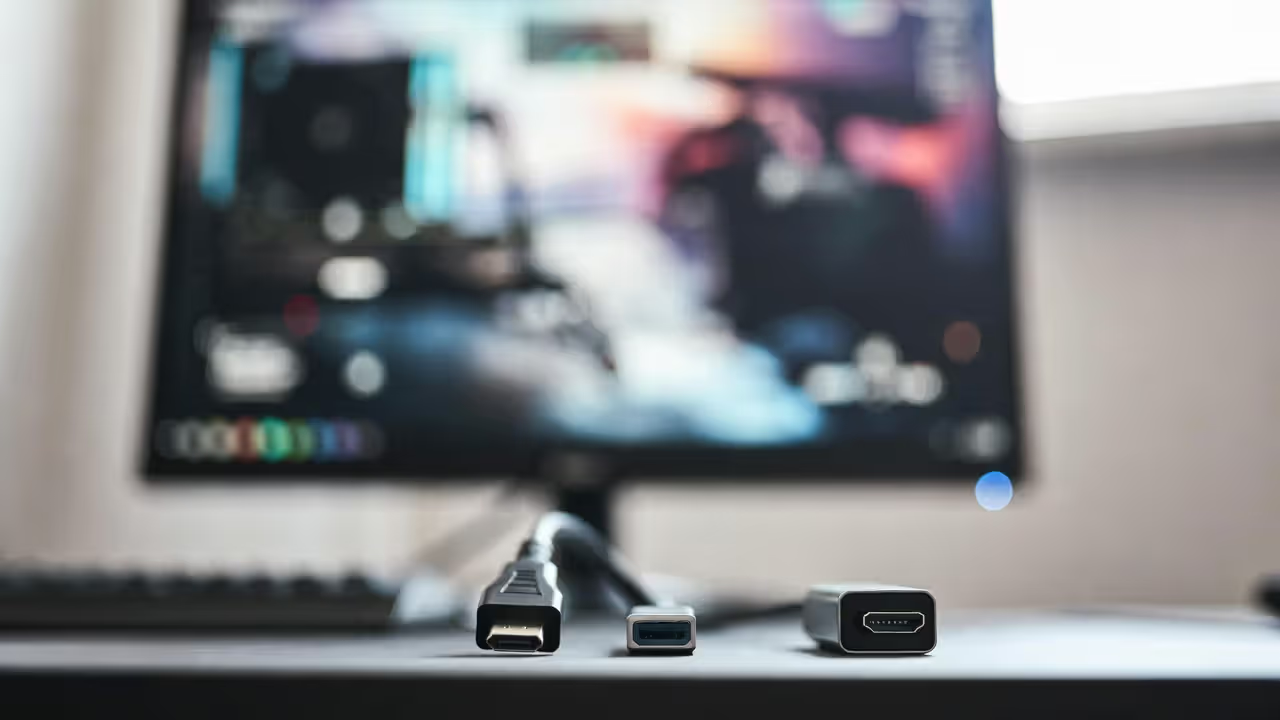
- Forgetting about cable requirements: HDMI 2.0 maxes out at 1440p 144Hz or 1080p 240Hz. Higher refresh rates and resolutions require DisplayPort 1.4 or HDMI 2.1. Your graphics card might support 4K 144Hz, but if your monitor only has HDMI 2.0 inputs, you won't achieve those specs. Verify both monitor inputs and GPU outputs support your target resolution and refresh rate combination.
Does Your GPU Limit Your Monitor Choice?
Graphics card capability creates a practical ceiling for monitor specifications. Buying a monitor that exceeds your GPU's capabilities makes sense if you plan to upgrade soon, but creates frustration if you're stuck with your current hardware.
Current-generation GPUs have clear performance tiers:
Budget cards (RTX 4060, RX 7600) comfortably drive 1080p 144Hz in most games with high settings. They can push 240Hz in competitive titles with reduced settings but struggle with 1440p at high refresh rates. Pair these with 1080p 144Hz or 1080p 240Hz displays.
Mid-range cards (RTX 4070, RX 7700 XT) handle 1440p 144Hz well in most games. They can achieve 1440p 240Hz in esports titles but won't maintain those framerates in demanding AAA games without significant graphics compromises. These GPUs match well with 1440p 144Hz monitors.
High-end cards (RTX 4080, RX 7900 XTX) drive 1440p 240Hz or 4K 144Hz depending on game optimization. Even these powerful GPUs can't maintain 240fps in graphically demanding titles at maximum settings. They pair best with 1440p 240Hz or 4K 144Hz displays.
Flagship cards (RTX 4090) can push 4K 144Hz in many games and handle 1440p 360Hz in competitive titles. These justify premium monitor investments.
CPU performance matters too, particularly at high refresh rates. A Ryzen 5 5600X or Intel i5-12400 bottlenecks framerates around 200-250fps in CPU-limited games regardless of GPU power. Achieving consistent 240fps+ requires high-end CPUs with strong single-thread performance.
The smart approach: match your monitor to your current GPU's realistic performance, not its theoretical maximum. A monitor typically lasts 5-7 years while you might upgrade your GPU every 2-3 years. Buying slightly ahead of your current hardware makes sense; buying two tiers up wastes money on performance you can't use.
FAQ: Gaming Monitor Questions
The gaming monitor market offers options for every budget and use case, but the best choice depends on matching specifications to your actual gaming habits and hardware capabilities. A 240Hz display provides minimal benefit if you primarily play single-player games or your GPU can't maintain high framerates. A 1080p monitor looks pixelated on a 32-inch screen regardless of its refresh rate.
Start with your graphics card's realistic performance in the games you play most. Build your monitor choice around those framerates, adding one tier of headroom for future GPU upgrades. Prioritize the jump to 144Hz over any other upgrade—it provides the most noticeable improvement for the widest range of games and hardware configurations.
Beyond refresh rate, focus on specifications that address your specific gaming priorities. Competitive players benefit from fast response times and adaptive sync more than HDR or color accuracy. Single-player enthusiasts see better returns from higher resolution and quality HDR implementation than extreme refresh rates.
The right gaming monitor transforms how games feel, making movements smoother, reactions more precise, and immersion more complete. The wrong one becomes an expensive disappointment that no amount of graphics settings tweaking can fix. Take time to match specifications to your actual needs rather than chasing the highest numbers on the spec sheet, and you'll end up with a display that enhances your gaming experience for years to come.