
How to Choose a Gaming Headset That Delivers Performance and Comfort
How to Choose a Gaming Headset?

Content
Picking the wrong gaming headset means missing footsteps in Counter-Strike, enduring headaches after two hours of play, or spending $150 on features you'll never use. The right choice depends on understanding what actually affects your experience—not just what the marketing copy promises.
Why Audio Quality Matters More Than You Think in Competitive Gaming
Audio positioning gaming isn't about hearing explosions louder. It's about detecting the exact direction of a reload sound 30 feet away or distinguishing between an enemy above you versus behind you. In games like Valorant, Apex Legends, or Rainbow Six Siege, players with accurate directional audio consistently react 200-400 milliseconds faster to threats they can't see yet.
The human ear processes spatial information through tiny timing differences—sound reaches your right ear microseconds before your left when something approaches from the right. A quality gaming headset preserves these cues through careful driver placement, tuning, and sometimes processing. Budget models often smear this information, making sounds feel like they're "somewhere over there" instead of “12 feet behind, moving left.”
Driver size matters less than driver quality. A well-tuned 40mm driver outperforms a mediocre 50mm driver every time. Look for frequency response that doesn't overemphasize bass—too much low-end rumble masks the mid-range frequencies where footsteps, reloads, and ability sounds live. A flat or slightly bright signature (enhanced treble) typically serves competitive players better than bass-heavy "gaming" tuning.
Surround Sound Gaming: Stereo vs. What Actually Works for Gamers
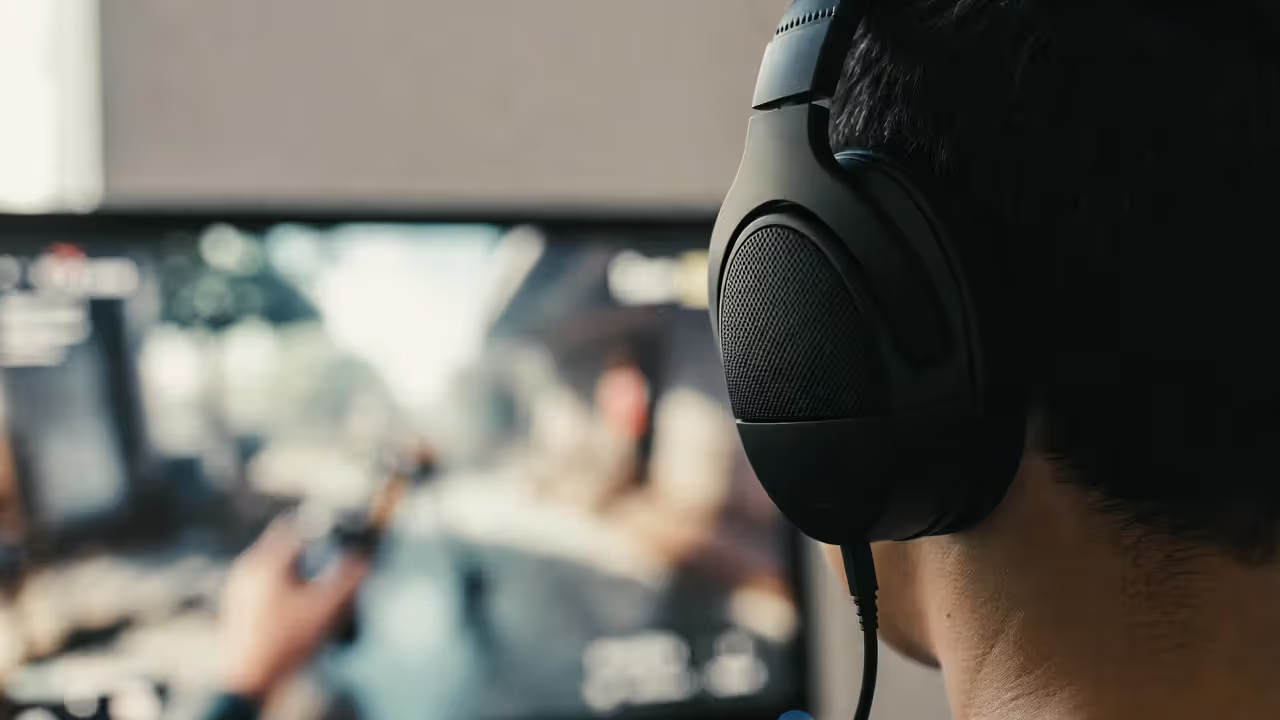
The surround sound gaming debate has created more confusion than clarity. Companies slap "7.1 surround" on packaging, but what that means varies wildly between products.
Author: Tyler Brooks;
Source: quantumcatanimation.com
Virtual 7.1 Surround Sound Explained
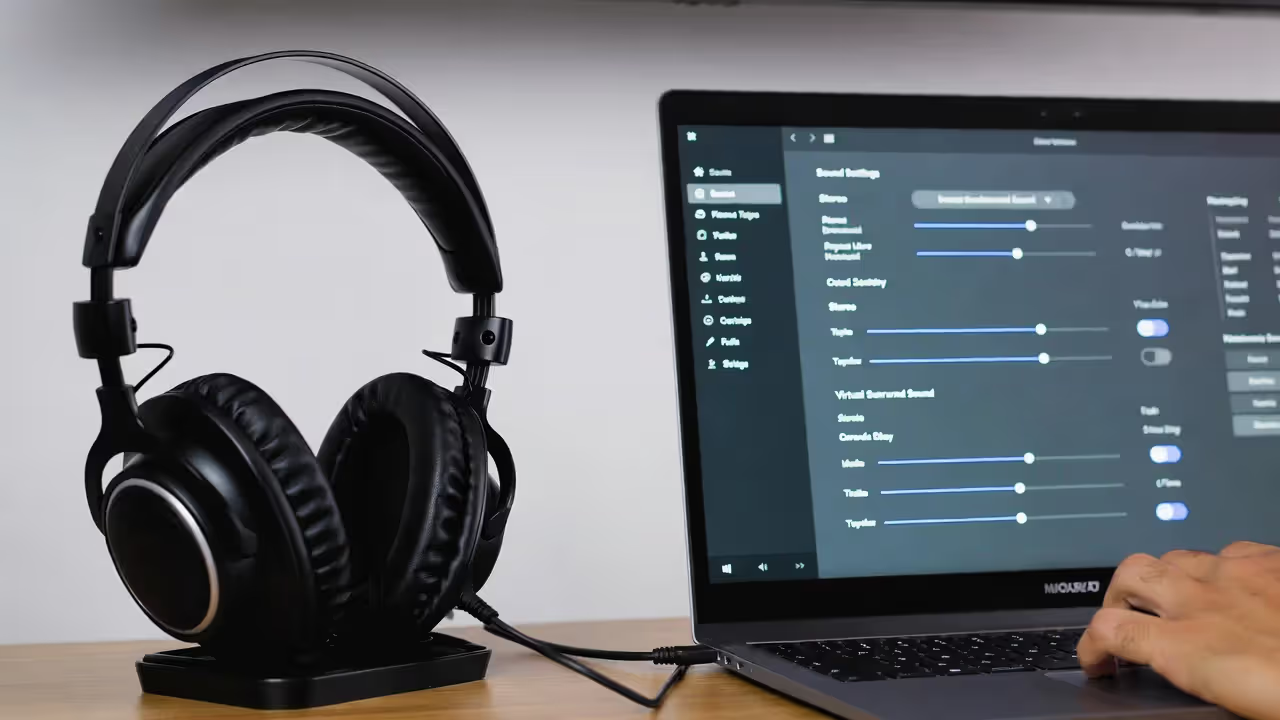
Virtual surround uses two drivers (one per ear) and software processing to simulate multiple speaker positions. The headset receives stereo audio, then algorithms apply head-related transfer functions (HRTFs)—mathematical models of how your ears perceive direction. Done well, your brain interprets this processed audio as coming from specific locations around you.
The catch: HRTFs vary between individuals based on ear shape, head size, and other physical factors. Generic virtual surround works acceptably for maybe 60-70% of users, feels "okay" for another 20%, and creates confusion for the remaining 10%. Some systems like Windows Sonic or Dolby Atmos for Headphones let you test different profiles, which helps.
When Stereo Outperforms Surround
Competitive players often disable virtual surround entirely. Good stereo imaging—the ability to place sounds left-to-right and front-to-back using just two drivers—frequently provides more precise positioning than virtual processing. Games like CS:GO and Valorant have exceptional stereo audio engines that already encode directional information. Adding virtual surround processing sometimes muddies what the game developers carefully crafted.
Stereo also eliminates processing latency (typically 5-15ms with virtual surround) and preserves audio fidelity. You hear exactly what the sound designer intended, without algorithms second-guessing the mix.
Author: Tyler Brooks;
Source: quantumcatanimation.com
| Technology Type | How It Works | Best Use Cases | Typical Price Range | Key Advantages | Main Drawbacks |
| Stereo | Two drivers, no processing | Competitive FPS, rhythm games, music | $40-$300 | Precise imaging, zero latency, accurate sound | Less immersive in cinematic games |
| Virtual 7.1 Surround | Two drivers + software HRTF processing | Single-player adventures, immersive RPGs | $60-$250 | Enhanced spatial feel, works with any content | Generic HRTFs, slight latency, quality varies |
| True Surround | Multiple drivers per ear cup | Home theater gaming only | $200-$400 | Genuine multi-channel separation | Heavy, expensive, overkill for games, poor music quality |
True surround (physical multiple drivers) exists but makes little sense for gaming. The drivers are necessarily small, reducing individual driver quality. You're better off with two excellent 40mm drivers than eight mediocre 20mm drivers crammed into each cup.
How to Test Audio Positioning Before You Buy
Most people can't audition headsets before purchasing, but you can still evaluate audio positioning gaming performance through research and return policies.
Watch gameplay footage where reviewers specifically test directional audio. The best reviewers play games like Hunt: Showdown or Escape from Tarkov—titles with demanding audio positioning—and describe exactly where they hear sounds. Skip reviews that just say "great surround sound" without specifics.
Check if the headset works with spatial audio test files. YouTube has binocular audio demos (virtual barbershop, thunderstorm sequences) that reveal how well a headset preserves directional cues. Your test unit should make these demos feel three-dimensional, with sounds clearly moving around your head.
When you receive the headset, spend 30 minutes in Valorant's shooting range or a similar controlled environment. Close your eyes. Have a friend walk around you in-game while making noise. Can you point to their position accurately? If you're consistently off by more than 30-40 degrees, the headset's imaging isn't precise enough.
Compare with and without any virtual surround features enabled. Some headsets sound noticeably better in stereo mode. That's not a failure—it's valuable information about how you should use that headset.
The Real Cost of Poor Headset Fit: Comfort Features That Matter
Headset comfort guide priorities shift dramatically after hour three. What feels fine during a 45-minute session can become unbearable during a Saturday gaming marathon. Discomfort breaks concentration, causes headaches, and eventually forces you to buy a replacement.
Headband Design and Weight Distribution
Author: Tyler Brooks;
Source: quantumcatanimation.com
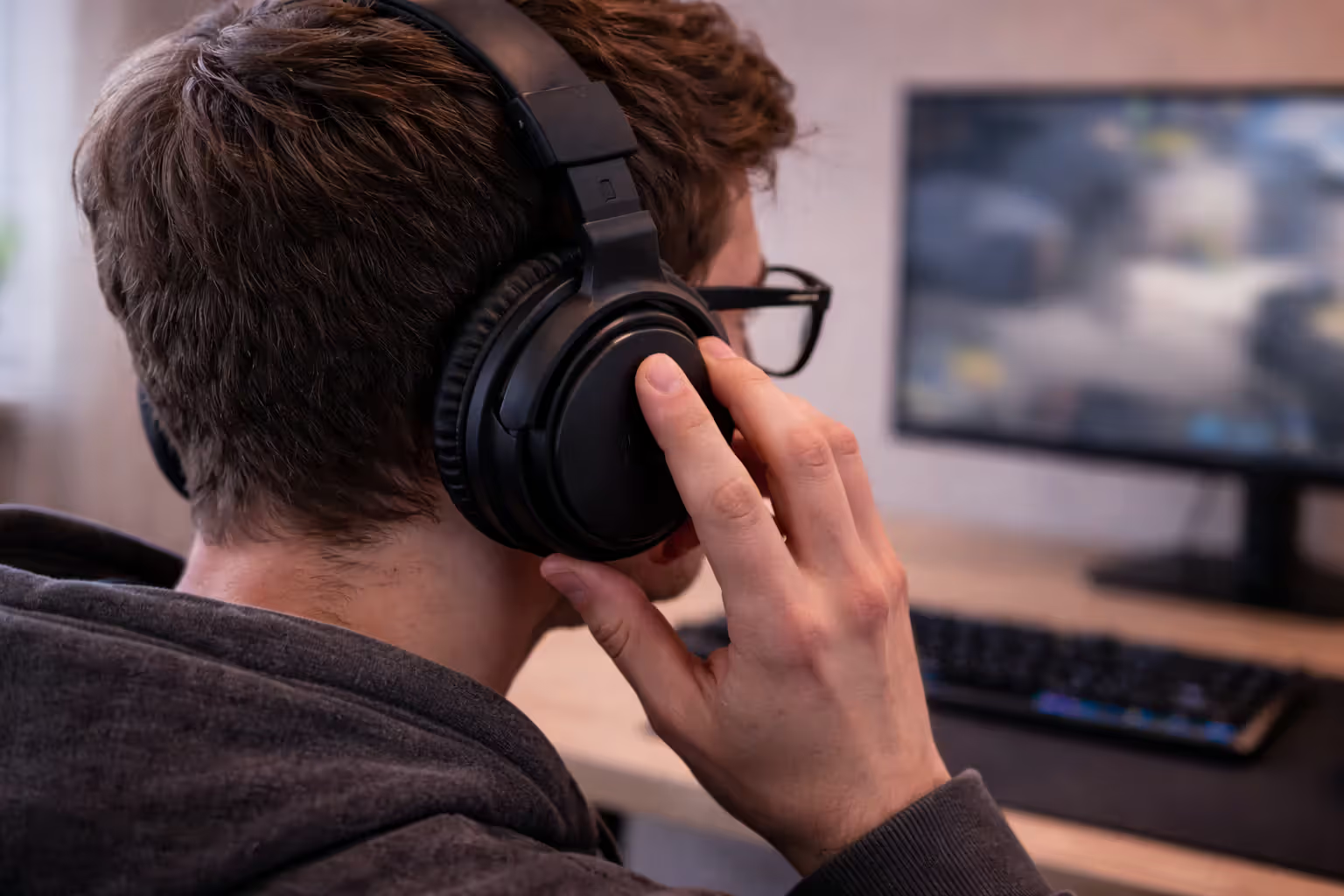
Headsets between 250-300 grams feel noticeably lighter than 350+ gram models during long sessions. Every 50 grams matters when that weight sits on your head for hours. Suspension-style headbands (a floating inner band that self-adjusts) distribute pressure better than traditional padded headbands, though both work if padding is sufficient.
Check if the headband has multiple contact points. Single-point pressure creates hotspots. Wide padding (at least 4cm across the top) spreads load across more of your skull.
Ear Cup Materials and Breathability
Velour ear pads breathe better than protein leather or leatherette. Your ears will thank you in summer or during intense matches when your body temperature rises. The trade-off: velour absorbs some sound isolation, and some people find the texture less plush initially.
Memory foam padding conforms to your head shape, but cheap memory foam loses its "memory" within 6-8 months, flattening into uncomfortable hard spots. Replacement pads cost $15-40, so factor that into long-term ownership costs.
Ear cup depth matters more than you'd expect. Shallow cups let drivers press against your ears, causing soreness. You want at least 2cm of clearance between the driver and your ear.
Clamping Force and Adjustment Range
New headsets often clamp too tightly. This loosens over weeks, but excessive initial clamping can cause jaw pain or headaches. You should be able to shake your head moderately without the headset moving, but it shouldn't feel like a vice.
People with larger heads (58cm+ circumference) or those who wear glasses need headsets with generous adjustment range. Some "gaming headsets" max out at sizes that accommodate maybe 70% of adult men and even fewer women with thick or voluminous hair.
| Headset Type | Weight Range | Padding Material | Adjustability | Ideal Session Length | Price Tier |
| Budget plastic | 280-350g | Thin leatherette foam | Limited (5-7 positions) | 1-2 hours | $30-$70 |
| Mid-range | 260-320g | Memory foam, protein leather | Good (10+ positions, some rotation) | 3-4 hours | $70-$150 |
| Premium wired | 240-300g | Velour or hybrid options, dense memory foam | Excellent (continuous adjustment, replaceable parts) | 5+ hours | $150-$300 |
| Wireless | 300-380g | Usually memory foam with leatherette | Good (battery adds weight) | 3-4 hours | $100-$350 |
Wired vs. Wireless: Performance Trade-offs Gaming Headsets Don't Advertise
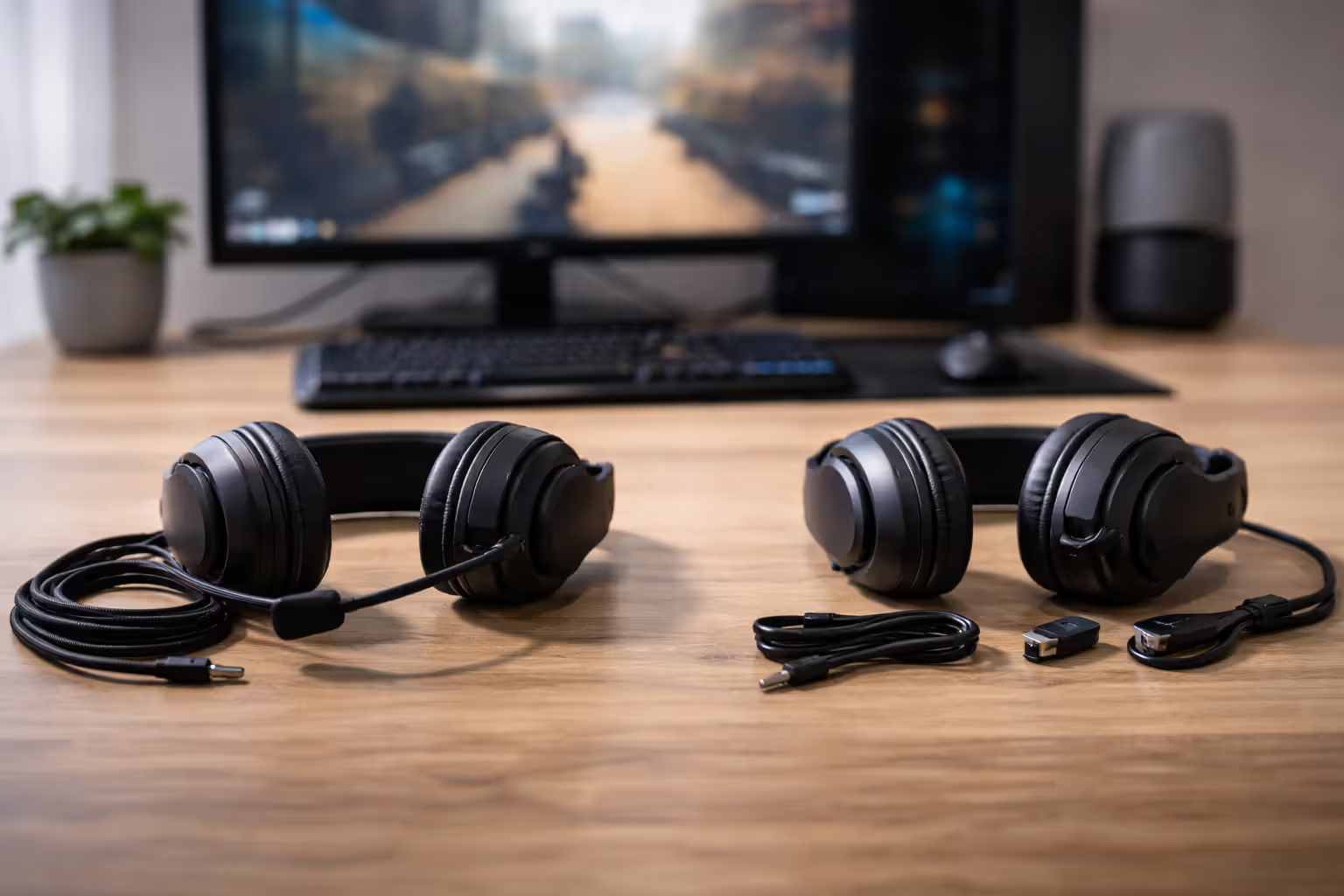
Wireless convenience seems obvious until you encounter the downsides. Modern 2.4GHz wireless headsets have largely solved latency—most sit around 20-30ms, which is imperceptible for gaming. Bluetooth introduces 100-200ms latency and remains unsuitable for competitive play, though some headsets offer both 2.4GHz and Bluetooth for flexibility.
Author: Tyler Brooks;
Source: quantumcatanimation.com
Battery life creates the real friction. Most wireless gaming headsets claim 15-30 hours per charge. Real-world usage with RGB lighting enabled and volume at 70%? Expect 60-70% of the advertised number. You'll need to charge every few gaming sessions, and eventually the battery degrades. After 18-24 months, that 20-hour headset might only deliver 12-14 hours.
Wired headsets never die mid-match. They're also typically 40-80 grams lighter since they lack batteries and wireless hardware. The cable can snag on chair arms or get rolled over by desk chairs, but detachable cables (now common on $80+ models) solve this—replacement cables cost $10-15.
Audio quality differences exist but are shrinking. Wireless compression has improved to the point where most users can't distinguish between wired and wireless audio in blind tests. Audiophiles might notice slightly reduced dynamic range or soundstage width, but competitive gaming performance differences are negligible.
One hidden cost: wireless dongles get lost. Replacement dongles cost $20-40 when available, but some manufacturers don't sell them separately, effectively bricking your headset if you lose the dongle.
Most players underestimate audio by about 40% when ranking game sense factors. We've seen pro players identify enemy positions through sound alone with 85-90% accuracy in controlled tests. That's not possible with poorly tuned headsets that muddy the soundstage.
— Marcus Chen, Audio Director at Riot Games
Common Gaming Headset Mistakes That Waste Your Money
Buying based on brand reputation in other categories backfires regularly. Companies famous for keyboards or mice sometimes produce mediocre headsets. Audio engineering requires different expertise than mechanical switches or sensor technology.
"RGB lighting" and "gaming" branding add $20-40 to prices without improving sound or comfort. Compare the gaming headset version against the company's studio or music headset line—you'll often find similar or better audio quality for less money, just without the aggressive aesthetics.
Platform compatibility confusion wastes money too. "PlayStation compatible" might mean it physically connects but lacks features like 3D audio support. Xbox has specific requirements for wireless connectivity. PC gamers should verify whether features require proprietary software that might not work on Linux or older Windows versions.
Ignoring impedance and sensitivity specs creates problems. High-impedance headsets (60+ ohms) need amplification to reach proper volume on consoles or mobile devices. Sensitivity below 95dB means you'll max out volume sliders and still want more loudness.
Warranty length signals manufacturer confidence. One-year warranties on $150+ headsets suggest the company expects failures. Two-year warranties (or longer) indicate better build quality and company backing.
FAQ: Gaming Headset Questions Answered
Your gaming headset decision comes down to three priorities: audio positioning accuracy for your specific games, physical comfort for your typical session length, and whether wireless convenience justifies the battery management trade-offs. Ignore marketing claims about "7.1 surround" or "pro-grade audio" and focus on measurable factors—weight, padding depth, driver size, and whether reviewers can accurately locate sounds in competitive games.
Test the return policy. Amazon, Best Buy, and most manufacturers offer 14-30 day returns. That's enough time for three or four long gaming sessions to reveal comfort issues or audio quirks you wouldn't notice in 20 minutes. The headset that's perfect for someone else might not fit your head shape, game preferences, or audio sensitivity.
Consider your upgrade path too. A $100 headset that lasts three years costs less per year than a $60 headset replaced annually. Build quality, replaceable parts, and warranty coverage matter as much as initial audio performance. The best gaming headset is the one you'll still want to wear four hours into a Saturday session—and that requires matching specifications to your specific needs, not just buying whatever's on sale.