
How to Watch Esports Streaming on Any Platform
How to Watch Esports Streaming on Any Platform

Content
Professional gaming competitions draw millions of viewers worldwide, but figuring out where to watch and how to get the most from broadcasts isn't always obvious. You might've heard about League of Legends Worlds or The International for Dota 2, but when you search for where to watch, you'll find a dozen different platforms, conflicting advice, and enough technical jargon to make your head spin. Here's what actually matters when you're trying to watch competitive gaming without the headaches.
What Makes Esports Broadcasts Different from Traditional Sports Streaming
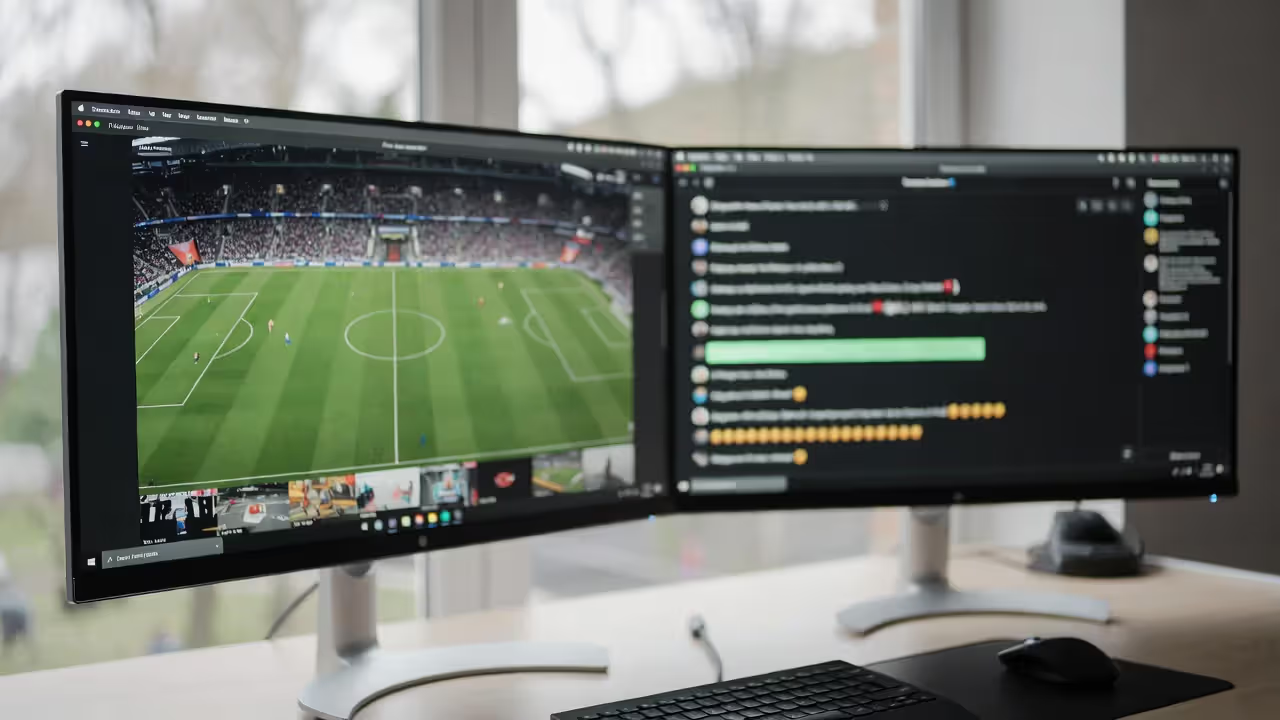
Standard sports coverage shows you what the production truck decides matters. The director cuts between cameras, and you see maybe 40% of what's actually happening on the field. Competitive gaming flips this completely—you're watching the exact pixels that competitors see. Every cursor movement, every ability click, every inventory check happens on your screen in real time.
Thousands of viewers typing in live chat creates something closer to a rowdy sports bar than a quiet living room viewing session. Esports viewers spam emotes when someone pulls off an impressive play, creating instant feedback that competitors sometimes see between rounds. Channel-specific emotes develop into shared language—KEKW for something absurdly funny, Pog for exciting moments, Sadge for heartbreak. You'll learn these without trying after watching a few streams.
Some esports broadcasts let you choose which competitor's screen you want to watch. During a Counter-Strike match, the main broadcast might follow the action generally, but you could instead watch s1mple's perspective the entire match, seeing exactly how one of the world's best players positions himself, checks angles, and manages economy. League of Legends' LCS offers multiple viewing angles including a "PoE" (point of emphasis) stream that tracks specific roles.
The statistical overlays would make traditional sports producers jealous. Damage-per-minute updates every thirty seconds. Ultimate ability cooldowns show you when game-changing moments might happen. Economic advantages in CS:GO appear as numerical differentials, letting you understand momentum before the next round starts. Win probability percentages adjust in real time based on gold leads, map control, and remaining objectives—you don't need years of experience to sense when a comeback becomes unlikely.
Author: Tyler Brooks;
Source: quantumcatanimation.com
Production quality ranges from "two friends with OBS software" to multi-million dollar stage productions with AR player introductions. Riot Games' Worlds finals feature 3D dragons flying through stadium floors via augmented reality. The PGL Major for CS:GO uses overhead tactical displays that look like military operation planning. Meanwhile, tier-three online qualifiers might just be someone streaming with minimal commentary—but the gameplay itself remains fully visible.
Top Streaming Platforms for Watching Live Tournament Action
Where you watch determines what features you'll have access to, which tournaments you can see, and whether you'll need to juggle multiple platforms.
Twitch vs. YouTube Gaming: Feature Comparison
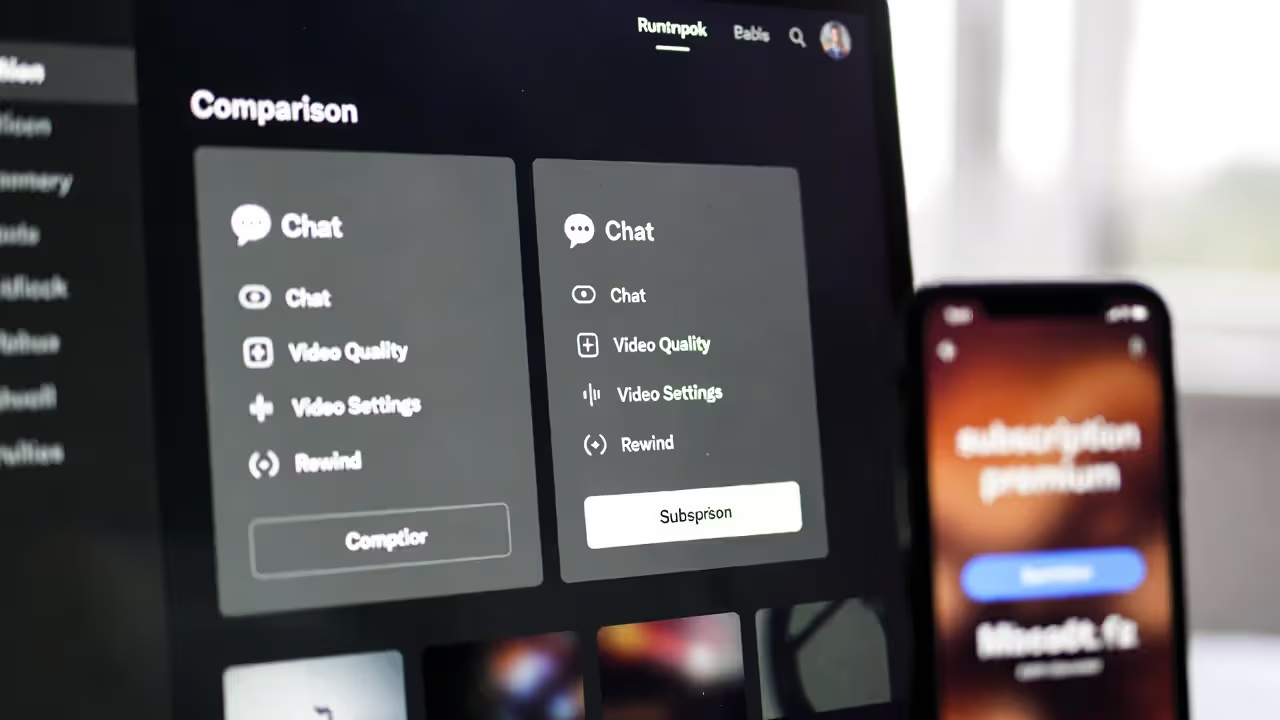
Twitch holds exclusive rights to most major championships in League of Legends, Valorant, and fighting game competitions. Streaming platforms esports fans use most often, Twitch built its entire infrastructure around live gaming content. The chat moderation tools work better than any competitor—subscriber-only mode, slow mode (one message per X seconds), and follower-only mode give channels precise control over conversation pace. Badge systems instantly show who subscribes, who's a moderator, and how long someone's been part of the community.
YouTube Gaming offers noticeably better video quality at identical internet speeds. Google's compression algorithms mean you get sharper image quality streaming at 1080p compared to Twitch at the same resolution. The DVR functionality works flawlessly—you can rewind thirty seconds without pausing the live broadcast, so you never miss current action while reviewing a previous play. When you join a stream late, the timeline preview shows viewer count spikes that mark exciting moments, letting you scrub directly to overtimes or championship points.
Subscription costs matter if you watch regularly. Twitch charges $8.99 monthly per channel to avoid ads, or $11.99 for Turbo which removes ads everywhere. Watching tournaments from ESL, Blast, PGL, and Riot Games would require four separate subscriptions. YouTube Premium costs $13.99 monthly and removes ads from all gaming content, music, and regular YouTube videos simultaneously. For someone who follows multiple organizers, YouTube's approach costs less.
Author: Tyler Brooks;
Source: quantumcatanimation.com
Emerging Platforms Worth Checking Out
Kick launched in 2023 with a 95/5 revenue split favoring creators (compared to Twitch's 50/50), pulling some prominent streamers away. The interface deliberately mimics Twitch's layout, so switching platforms takes minimal adjustment. Tournament co-streams appear on Kick when popular creators rebroadcast events—you won't find official broadcasts there yet, but the alternative commentary options keep expanding.
TikTok Live focuses entirely on mobile-first vertical viewing and short-form content. Official tournament streams rarely appear there, but highlight compilations, reaction content, and watch parties thrive. The algorithm aggressively promotes gaming content to new viewers, making it valuable for discovering games you've never considered watching. Don't expect full matches, but the condensed recap content works well for catching up.
Facebook Gaming struggles with discoverability—their homepage doesn't prioritize competitive content effectively. However, they've secured exclusive regional rights for some Southeast Asian leagues and Latin American competitions. If you follow Mobile Legends: Bang Bang or Free Fire, checking Facebook Gaming's schedule prevents missing region-locked broadcasts.
| Platform | Cost Structure | Tournament Access | Chat System | Mobile Experience | Archived Content | Standout Feature |
| Twitch | $8.99 per channel or $11.99 for network-wide | Exclusive tier-1 championships | Advanced moderation, emotes, badges | Full-featured mobile app | Stored 14-60 days based on channel | Drop rewards and community points |
| YouTube Gaming | $13.99 monthly (includes all YouTube Premium) | Expanding tournament portfolio | Simple but functional | Supports background playback | Permanent archival | Superior compression quality, instant replay |
| Facebook Gaming | Free with advertisements | Exclusive regional competitions | Standard Facebook comment threading | Works but cluttered interface | Permanently stored | Direct social media sharing |
| Kick | Free with minimal ads | Mostly co-streams currently | Twitch-style system | Still being developed | Available 7+ days | 95/5 creator revenue split |
| TikTok Live | Free, optional coin purchases | Rare official broadcasts | Vertical scrolling comments | Native mobile design | Temporary availability | Discovery algorithm recommendations |
How to Find and Follow Major Esports Tournaments
Tracking live tournament streaming schedules across different games, time zones, and platforms requires better organization than casually checking Twitch's front page.
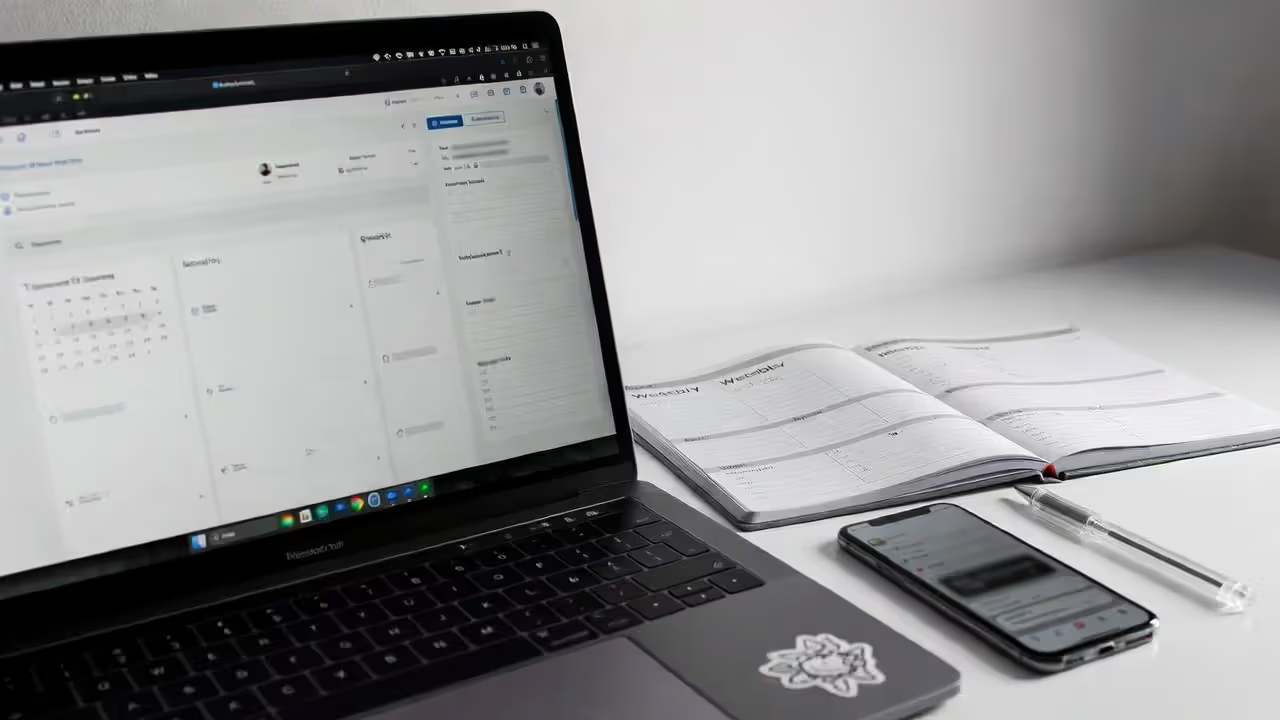
Liquipedia remains the gold standard for competitive gaming calendars. Create a bookmark folder with Liquipedia pages for each game you follow—the Counter-Strike page lists everything from regional qualifiers to major championships with automatic timezone conversion based on your browser settings. Update your bookmarks weekly, and you'll never miss announcements about schedule changes.
Tournament tiers directly correlate with production budgets and competitive prestige. The International (Dota 2), League of Legends Worlds, and CS:GO Majors represent tier-1 events with $1+ million prize pools, month-long promotional campaigns, and arena venues. Tier-2 tournaments like BLAST Premier Spring or LCS regular season provide weekly competitive content with solid production values. Tier-3 includes online qualifiers, regional open brackets, and developing-region competitions—lower production polish but often where you'll discover rising talent before they reach the main stage.
Platform notification systems prevent last-minute scrambling. Following RiotGames, ESL_CSGO, or PGL on Twitch enables automatic alerts when broadcasts begin. Google Calendar accepts .ics schedule files from Abios Esports, automatically populating your calendar with match times and reminder notifications. Discord servers dedicated to specific games maintain announcement channels where moderators post schedule updates with role-based pings (@Valorant for VCT matches, @Dota2 for DPC leagues).
Competitive structures vary wildly between games. Overwatch League and Call of Duty League copied traditional sports franchising—fixed teams, regular seasons, predictable schedules. Dota 2 uses a circuit system where teams accumulate ranking points across independent tournaments throughout the year. Fighting game competitions mostly happen at weekend events with open brackets that anyone can enter. Rocket League combines regional leagues with international majors. Understanding your game's structure clarifies which events actually matter versus which are exhibition matches.
Author: Tyler Brooks;
Source: quantumcatanimation.com
Technical Setup: Internet Speed, Devices, and Quality Settings
Getting esports streaming to run smoothly matters less about having the fastest internet and more about matching your settings to your actual connection.
You need 6-8 Mbps download speed for stable 1080p streaming. Most US connections labeled "broadband" exceed this, but shared networks create issues. Someone starting a Zoom call or downloading a game update while you're watching a grand finals causes buffering. If your household shares a 25 Mbps connection, that's enough for one high-quality stream plus regular browsing—but adding another stream or video call pushes you past comfortable limits.
Running multiple streams simultaneously—main broadcast plus two player POV feeds—demands 20+ Mbps to maintain quality across all windows. 4K tournament broadcasts require 35-45 Mbps but remain uncommon. Most championships broadcast at 1080p 60fps maximum because diminishing returns kick in past that resolution for esports content.
Smart TV apps frequently underperform compared to dedicated streaming devices. Built-in TV processors struggle with 60fps streams, creating subtle frame drops during fast action that ruins the viewing experience. A $50 Roku or Amazon Fire Stick typically outperforms TV apps. Desktop browsers with hardware acceleration enabled (Chrome and Edge both support this) provide the smoothest playback, especially for multi-stream setups.
Manual quality selection often works better than auto-adjust. Automatic quality settings work well on stable connections but aggressively downscale during brief slowdowns, creating jarring resolution jumps. Manually selecting 720p 60fps frequently looks better than auto-switching between 1080p 30fps and 480p. Framerate matters more than resolution for fast games—tracking AWP flicks in CS:GO or Genji blades in Overwatch requires 60fps even if you sacrifice some resolution.
When buffering happens, close unused browser tabs first, then step down one quality level. If buffering persists at 480p, your ISP likely has issues rather than the streaming platform. Wired ethernet connections eliminate many problems caused by WiFi interference, especially in apartment buildings with overlapping networks on the same channels.
Common Mistakes New Esports Viewers Make (And How to Avoid Them)
New esports viewers repeatedly hit the same frustrations that veterans learned to avoid years ago.
Social media spoils results instantly. Opening Twitter or checking Reddit before watching a VOD guarantees seeing match outcomes—tournament organizers post winner announcements immediately, and fans create highlight clips within five minutes of matches ending. Watching recorded content requires muting keywords on Twitter (use the platform's mute function for team names and player names), avoiding game-specific subreddits completely, and resisting the urge to check Discord. Browser extensions like "Spoiler Protection 2.0" hide video lengths and recommended content that might reveal results.
Timezone math trips up international viewers constantly. Shanghai tournaments start at 3 AM Eastern, but promotional graphics might show 15:00 local time without clarification. Cross-reference multiple sources—Liquipedia shows times in your local timezone automatically, but official tournament sites sometimes don't convert. When uncertain, manually calculate using a timezone converter and set phone reminders for an hour before matches start (broadcasts often begin with pre-show content that provides helpful context).
Co-streams offer completely different viewing experiences that many new fans never discover. Major tournaments let popular streamers rebroadcast matches with their own commentary. Shroud's co-streams feature relaxed insider analysis from a former pro. Pokimane's viewing parties emphasize community interaction over technical details. IWillDominate breaks down League macro strategy in real-time. If you find official broadcasts too stiff or terminology-heavy, searching "Worlds co-stream" during championships reveals five to ten alternative options with varying commentary styles.
Watching complex games without basic preparation guarantees confusion. Jumping into your first Dota 2 match without understanding hero roles, Roshan timing, or buyback mechanics feels like watching cricket without knowing what wickets are. Invest twenty minutes watching a "New Viewer Guide" video before major tournaments—channels like theScore esports, ESPN Esports, and game-specific creators publish these before every championship. Learn the win condition, basic roles, and two or three key mechanics, then let the rest develop naturally through context.
VOD libraries disappear faster than you'd expect. Twitch deletes VODs after 14 days for most channels, 60 days for partners—bookmarking a must-watch series for "later" often means it's gone before you watch. YouTube permanently archives most content, but smaller tournaments occasionally delete older broadcasts. When you see a recommendation for a historic match, watch it immediately or save the link in a dedicated bookmark folder.
Maximizing Your Viewing Experience: Co-Streams, Watch Parties, and Interactive Features
Advanced esports streaming techniques transform basic viewing into deeper engagement with competitive gaming communities.
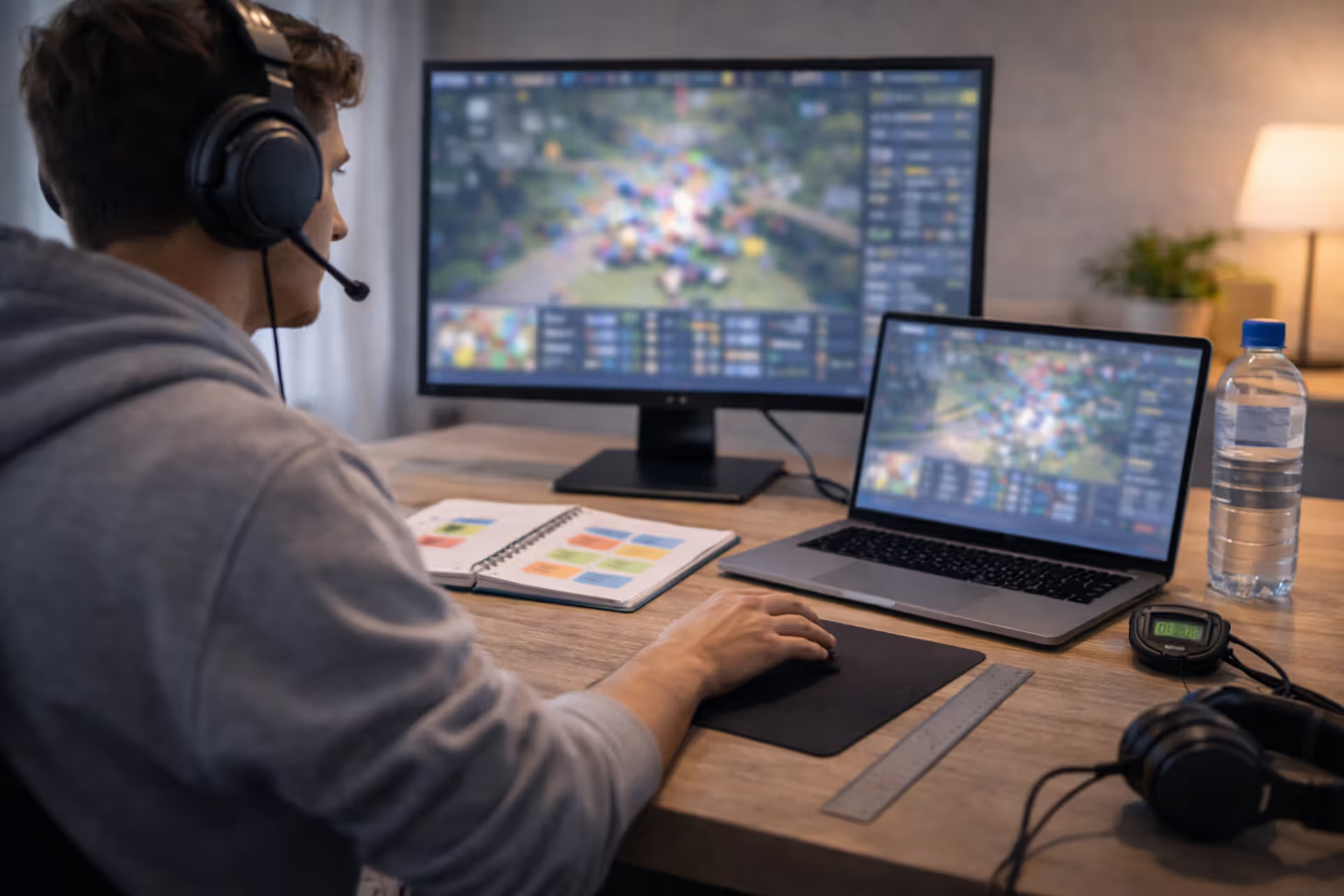
Dual-monitor setups unlock simultaneous perspectives. Run the main English broadcast on your primary screen while keeping a player-POV stream or tactical map view on your second monitor. Browser extensions like Multitwitch or MultiStream tile multiple Twitch streams in one window (bandwidth requirements increase proportionally—three 1080p streams need 25+ Mbps). This approach works exceptionally well for tactical shooters where seeing both team perspectives reveals strategy—watching a Valorant match with attacker and defender POVs shows the mind games happening simultaneously.
Discord watch parties create shared experiences across distances. Discord's streaming feature lets you broadcast tournament feeds to friends while talking over voice chat—synchronized viewing with real-time reactions beats watching alone. Some platforms offer built-in watch party features: Twitch's Watch Parties (limited to Amazon Prime Video content) and YouTube's share functionality both support group viewing with synced playback and integrated chat.
In-game reward drops incentivize live viewing during specific tournaments. Connect your League of Legends account to Twitch, watch four hours of LCS broadcasts, and receive exclusive champion skins or prestige points. Valve's CS:GO Majors distribute weapon skin drops randomly to connected viewers. These rewards require active viewing—platforms detect if you mute a tab and don't interact, invalidating drop eligibility. Check tournament announcements 2-3 days before events start for connection instructions and eligibility requirements.
Twitch channel points accumulate automatically while watching any stream, redeemable for match outcome predictions, highlighted messages in chat, or creator-specific rewards. Correctly predicting three match outcomes in a row multiplies your point earnings. These gamification features add personal stakes to viewing even when you don't care which team wins.
We've moved past the era where audiences simply consume esports content. Today's viewers participate in shaping broadcasts through live polls, earn loyalty rewards for watching, and build communities that extend well beyond individual matches. The interactivity fundamentally distinguishes esports viewership from traditional sports broadcasting—you're not just a spectator anymore, you're an active participant in a shared cultural experience happening simultaneously across millions of screens.
— Rod "Slasher" Breslau, esports journalist and industry consultant
Second-screen companion apps supplement primary viewing. Official tournament apps frequently provide live statistical dashboards, alternate camera controls, or synchronized fantasy league score updates. The LCS companion app shows individual player gold graphs while watching on TV. The Dota 2 TI companion displays hero pick/ban statistics and live net worth graphs. These apps combine lean-back TV viewing comfort with the statistical depth that makes esports analysis so compelling.
Frequently Asked Questions About Watching Esports
Your ideal viewing setup develops through experimentation rather than following strict rules. Start with a single game that genuinely interests you, find an upcoming major tournament, and test whether Twitch's community vibe or YouTube's video quality matters more to your personal experience. Watching esports guide resources help you skip the frustrating trial-and-error phase that wastes the first hour of live championship broadcasts.
Viewing preferences evolve as you discover which features enhance your enjoyment. Some fans prioritize chat interaction and community atmosphere, making Twitch their permanent home. Others value permanent archives and superior compression, gravitating toward YouTube. Mobile-focused viewers might prefer TikTok for highlight digests between watching full matches on weekends.
Technical requirements remain remarkably accessible—stable internet and any device made in the last five years suffices. Knowledge barriers require more deliberate effort. Spending time with beginner resources before diving into championship viewing prevents the confusion that makes new viewers bounce off competitive gaming. Bookmark tournament calendars using Liquipedia, join game-specific Discord communities, and ask questions without embarrassment. The competitive gaming community welcomes newcomers who show genuine interest in learning rather than demanding instant expertise without effort.